19
HubSpot vs Salesforce for Small Business (2026): Which CRM Wins?
Bottom line: HubSpot wins for small business — lower entry cost, free CRM included, and you don't need a consultant to set it up.
Bottom line: HubSpot wins for small business — lower entry cost, free CRM included, and you don’t need a consultant to set it up. Salesforce wins for enterprise — deeper customization, 7,000+ app integrations, and the most powerful reporting in the CRM market. Both cost the same at mid-tier, but the total cost of ownership tells a very different story.
I’ve evaluated both platforms against real small business criteria: setup time, cost with 10 users, and what happens when you need to actually do something without calling a Salesforce admin.
Last updated: October 2026
HubSpot vs Salesforce: At a Glance
| Feature | HubSpot | Salesforce |
|---|---|---|
| Made by | HubSpot | Salesforce |
| Free CRM | Yes (unlimited users) | Yes (Free Suite, limited) |
| Starter plan | $20/seat/month | $25/user/month |
| Professional plan | $100/seat/month | $100/user/month |
| Enterprise plan | $150/seat/month | $195–$550/user/month |
| Setup complexity | Low (self-serve) | High (often needs admin/consultant) |
| App marketplace | 1,500+ integrations | 7,000+ (AppExchange) |
| Built-in email marketing | Yes | No (add-on via Marketing Cloud) |
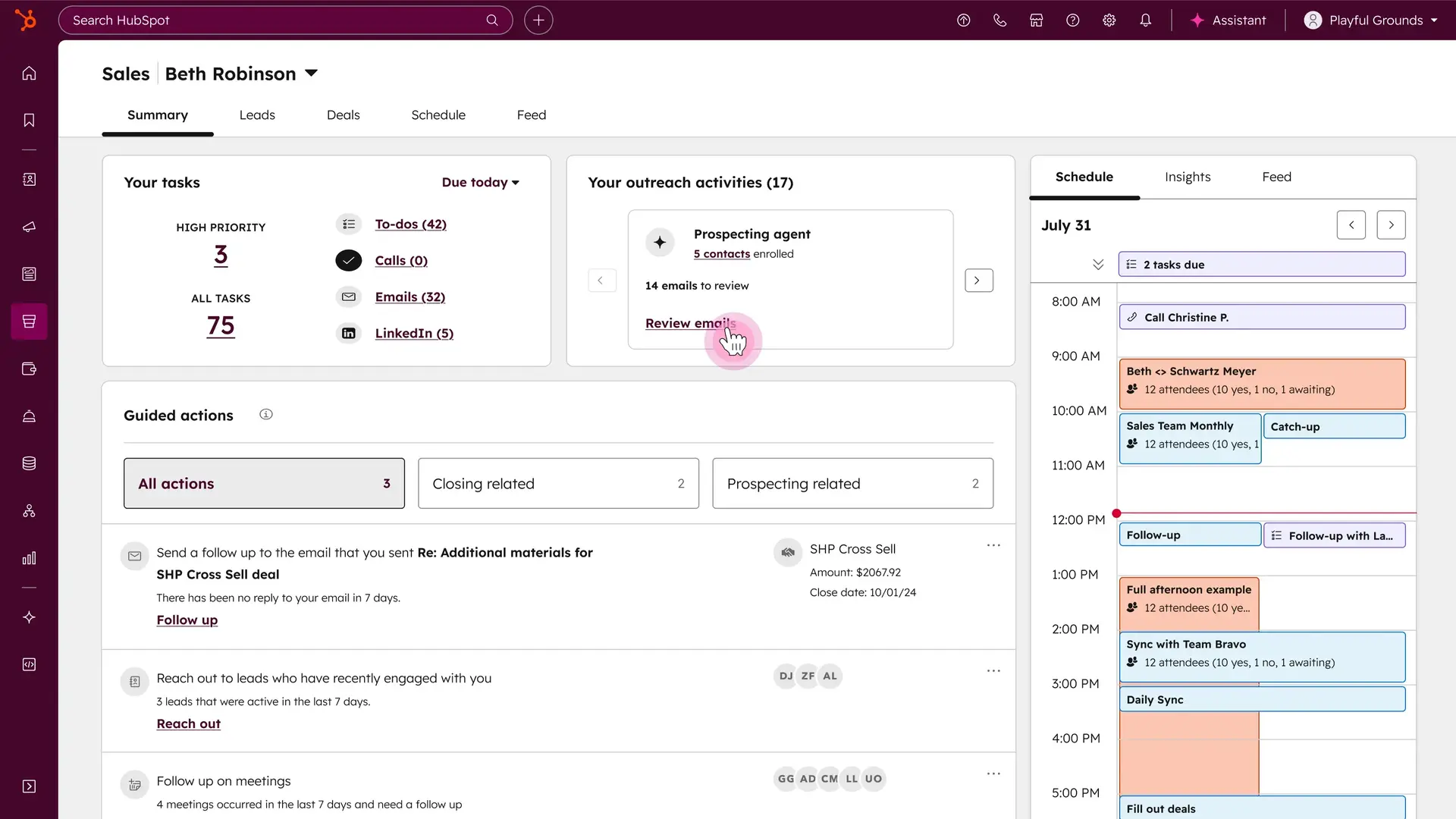
| AI features | Breeze AI (copilot, agents) | Agentforce (AI agents) |
| Reporting | Good (limited in Starter) | Advanced + Tableau (Enterprise+) |
| G2 rating | 4.4/5 (14,363 reviews) | 4.4/5 (27,575 reviews) |
| Best for | SMBs under 500 employees | Mid-market to enterprise |
Pricing Breakdown (2026)
This is where the comparison gets real. Both have free tiers, but the path from free to useful looks very different.
| Plan | HubSpot Sales Hub | Salesforce Sales Cloud | What You Get |
|---|---|---|---|
| Free | $0 (unlimited users) | $0 (limited) | HubSpot: contact management, deal pipelines, email tracking. Salesforce: very basic, mostly a trial. |
| Starter | $20/seat/month | $25/user/month | Core CRM, email sequences, basic reporting. Salesforce adds lead management and opportunity tracking. |
| Professional | $100/seat/month | $100/user/month | Automation, advanced reporting, forecasting, playbooks. Comparable feature set at this tier. |
| Enterprise | $150/seat/month | $195/user/month (Core) | Advanced customization, predictive scoring, custom objects. Salesforce includes Slack Business+ and Tableau. |
| Advanced/Max | N/A | $395–$550/user/month | Salesforce adds unlimited Einstein AI, advanced automation, dedicated support. |
The real cost with 10 users: At Starter tier, HubSpot costs $2,400/year vs Salesforce’s $3,000/year — a $600 difference. But the hidden cost is implementation. Most small businesses can set up HubSpot in a week with no outside help. A Salesforce implementation typically runs $5,000–$20,000 in consultant fees for a 10-person team. That’s your Year 1 math.
What HubSpot Does Better
1. The Free CRM Is Actually Useful
HubSpot’s free tier isn’t a stripped demo — it’s a real contact management system with unlimited users, deal pipelines, email tracking, and meeting scheduling. Thousands of small businesses run on HubSpot Free for years before upgrading. Salesforce’s free offering is a taste test, not a working tool.
2. All-in-One Platform
HubSpot’s CRM connects directly to its Marketing Hub, Service Hub, and Content Hub. If you want email marketing, landing pages, help desk ticketing, and CRM data in one system — HubSpot does that natively. With Salesforce, each of those is a separate product (Marketing Cloud, Service Cloud) with separate pricing and separate implementation.
If you’re evaluating standalone email marketing tools alongside your CRM, see our Mailchimp vs Kit comparison — the two most popular choices for businesses that want email marketing without committing to HubSpot’s full marketing suite.
For businesses already running HubSpot CRM who want to compare its built-in email marketing against a dedicated tool like Mailchimp, our HubSpot vs Mailchimp comparison breaks down deliverability, automation depth, and pricing at each tier — so you can decide whether keeping everything in one platform makes sense.
When a deal closes in your CRM, the next step is collecting payment — our Stripe vs PayPal comparison covers which payment processor integrates best with HubSpot and Salesforce for small businesses selling online.

3. Setup Without a Consultant
A non-technical founder can have HubSpot running in 2–3 days. The UI is clean, documentation is excellent, and onboarding walks you through setup. Salesforce is powerful, but it’s built for teams with a dedicated Salesforce admin. Small businesses routinely underestimate this requirement and end up paying consultants $150–$200/hour to configure it.
4. Breeze AI Is Accessible at Lower Tiers
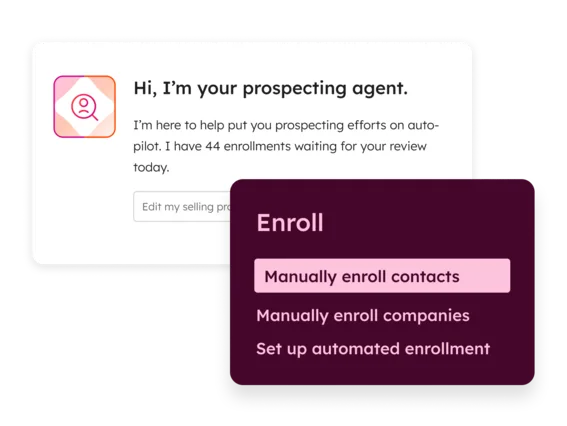
HubSpot’s Breeze AI includes a copilot for drafting emails and summaries, plus AI agents that can automate prospecting research. These features are available at Starter and Professional — you don’t need to be at the $150/seat Enterprise plan to get AI value.
What Salesforce Does Better
1. AppExchange: 7,000+ Integrations
The AppExchange is the biggest reason enterprises choose Salesforce. If there’s a business system you use — ERP, billing, HR, custom data sources — there’s probably a Salesforce integration for it. HubSpot has 1,500+ integrations, which covers most SMB needs, but Salesforce is the default choice when your tech stack gets complex.
2. Agentforce AI (Enterprise-Grade)
Salesforce’s Agentforce is a genuinely advanced AI layer — autonomous agents that can handle customer service conversations, qualify leads, and manage cases without human intervention at scale. For enterprise sales teams running hundreds of accounts, this level of automation has real ROI. It’s overkill for a 10-person team.
3. Reporting and Analytics
At Enterprise tier, Salesforce includes Tableau — one of the best business intelligence tools available. You can build complex multi-object reports, forecast pipeline with sophisticated models, and integrate data from across your organization. HubSpot’s reporting is good, but it hits a ceiling that Salesforce doesn’t.
4. Customization Depth
Salesforce lets you build virtually any workflow, object structure, or automation through its declarative tools and Apex code. For businesses with genuinely unusual sales processes — custom objects, complex approval chains, territory management — Salesforce can be configured to match your exact process. HubSpot’s customization is improving but still operates within guardrails.

HubSpot Free CRM: What You Get Without Paying
HubSpot’s free CRM deserves its own section because it changes the comparison. Here’s what you actually get at $0:
- Unlimited users (not capped like most free CRM tiers)
- Up to 1 million contacts
- Deal pipelines and stages
- Email tracking and notifications
- Meeting scheduling (Calendly equivalent built in)
- Basic reporting dashboard
- Contact and company records with activity timelines
- Gmail and Outlook integration
For a pre-revenue startup or a business that just needs to stop using spreadsheets — this is a legitimate starting point.
Use-Case Verdicts
| Situation | Winner | Why |
|---|---|---|
| Startup with 1–10 sales reps | HubSpot | Free tier is enough to start; Starter at $20 is affordable; no consultant needed |
| SMB with 10–50 users, limited IT | HubSpot | Self-serve setup, all-in-one (CRM + marketing + service), predictable costs |
| Company needing email marketing + CRM | HubSpot | Marketing Hub + Sales Hub native integration beats stitching Salesforce + Marketing Cloud |
| Enterprise with complex sales process | Salesforce | AppExchange depth, custom objects, territory management, Agentforce AI |
| Already on Microsoft/Google enterprise stack | Salesforce | Deeper enterprise integrations; Slack Business+ included at Core tier |
| Need advanced reporting/BI | Salesforce | Tableau included at Core+; Salesforce’s native reporting is deeper at enterprise level |
| Budget-constrained small team | HubSpot | Total cost of ownership is significantly lower when you factor in implementation |

What Real Users Say


Both tools score identically at 4.4/5 on G2 — but the complaints are telling. HubSpot reviewers most commonly cite hitting reporting limits and wanting more customization at lower tiers. Salesforce reviewers consistently mention implementation cost, learning curve, and needing a dedicated admin. For small businesses reading reviews, that pattern says everything.
The Verdict
For most small businesses, HubSpot is the right answer. The free CRM is genuinely useful, the Starter tier at $20/seat is affordable, and you can run your entire customer-facing stack — CRM, email marketing, live chat, help desk — in one system without duct tape. You don’t need a consultant to set it up, and you won’t spend your first year paying someone to make basic things work.
Choose Salesforce if you’re a mid-market or enterprise company with complex sales processes, heavy customization needs, an existing Salesforce ecosystem, or a dedicated sales ops person to manage the platform. The AppExchange and Agentforce AI are legitimately powerful — but they’re designed for companies with the resources to use them.
If you’re under 50 users and don’t already have a CRM: start with HubSpot Free. You can always migrate when you outgrow it.
Frequently Asked Questions
Is HubSpot really free?
Yes — HubSpot’s CRM core is genuinely free with unlimited users and up to 1 million contacts. Features like advanced automation, sequences, and custom reporting require a paid plan starting at $20/seat/month. The free tier is a legitimate working tool, not just a trial.
Can small businesses afford Salesforce?
The software cost is manageable — $25/user/month at Starter — but implementation costs typically run $5,000–$20,000 for a small business. Add a part-time Salesforce admin ($30–$60/hour) and the total cost of ownership is significantly higher than HubSpot. Most small businesses without an existing Salesforce investment will find HubSpot more cost-effective.
Is HubSpot as powerful as Salesforce?
At the small business level, HubSpot is more than powerful enough — and in some areas (ease of use, all-in-one marketing + sales, native email marketing) it’s actually better. Salesforce’s advantages — deep customization, AppExchange breadth, advanced BI — become meaningful at mid-market scale or with complex enterprise requirements.
Which CRM has better AI features?
HubSpot’s Breeze AI is accessible at lower price points and good for SMB use cases (email drafting, deal prioritization, prospecting research). Salesforce’s Agentforce is more sophisticated — capable of autonomous multi-step workflows — but designed for enterprise scale. For a small business, HubSpot’s AI is more immediately useful without setup complexity.
Can I switch from HubSpot to Salesforce later?
Yes, and many businesses do this as they scale. Both platforms have data export tools, and there are dedicated migration services. The switch is easier if you’ve kept your HubSpot data clean. The realistic cost is 3–6 months of a parallel run plus implementation fees — budget accordingly.
Which has better customer support?
HubSpot offers phone, email, and chat support on paid plans, with an excellent knowledge base and community. Salesforce support varies by plan — the base tier is primarily self-serve documentation; premium support packages add dedicated account management. Both have large user communities, but HubSpot’s tend to be more accessible for non-technical users.