Monday.com wins for visual, flexible project management. Asana wins for structured task tracking and enterprise workflows. But both are in the top tier of project management software—picking the wrong one for your team is a real risk.
This comparison breaks down pricing, features, automations, and real-world use cases so you can make the call in under 10 minutes.

Monday.com vs Asana: Quick Comparison
| Feature | Monday.com | Asana |
|---|---|---|
| G2 Rating | 4.7 / 5 (10,000+ reviews) | 4.3 / 5 (9,000+ reviews) |
| Starting Price | $9 / seat / month | $10.99 / user / month |
| Free Plan | ✅ (2 seats, unlimited boards) | ✅ (up to 10 users) |
| Automations | 250 / month (Standard) | Unlimited (Premium+) |
| Gantt / Timeline | Standard plan and above | Premium plan and above |
| Workload Management | ✅ Pro and above | ✅ Business and above |
| Portfolios | ✅ Pro and above | ✅ Business and above |
| Built-in CRM | ✅ Yes (monday CRM) | ❌ No |
| Best For | Visual teams, ops, CRM | Task-heavy, enterprise, integrations |
Pricing: Monday.com vs Asana
Pricing is where the comparison gets interesting. Both tools charge per seat, but the tier structure differs in ways that matter at scale.
Monday.com Pricing (2026)
- Free: 2 seats, unlimited boards, 200+ templates
- Basic ($9/seat/month): Unlimited items, 5 GB storage, priority support
- Standard ($12/seat/month): Timeline, Gantt, calendar view, 250 automations/month, guest access
- Pro ($19/seat/month): Private boards, workload management, 25,000 automations/month, time tracking
- Enterprise ($29/seat/month): Advanced security, tailored onboarding, enterprise integrations
Asana Pricing (2026)
- Free (Personal): Up to 10 users, unlimited tasks and projects, basic features
- Starter ($10.99/user/month): Timeline, unlimited dashboards, 250 automations/month
- Advanced ($24.99/user/month): Portfolios, goals, workload, unlimited automations
- Enterprise: Custom pricing, advanced security, SAML SSO, data export
- Enterprise+: Full audit logs, SCIM, advanced compliance
Verdict on pricing: Monday.com is slightly cheaper at the Standard tier ($12 vs $10.99 difference depends on what you need). Asana’s free plan is significantly more generous—10 users versus Monday’s 2. For small teams testing the water, Asana’s free tier wins outright.
Ease of Use
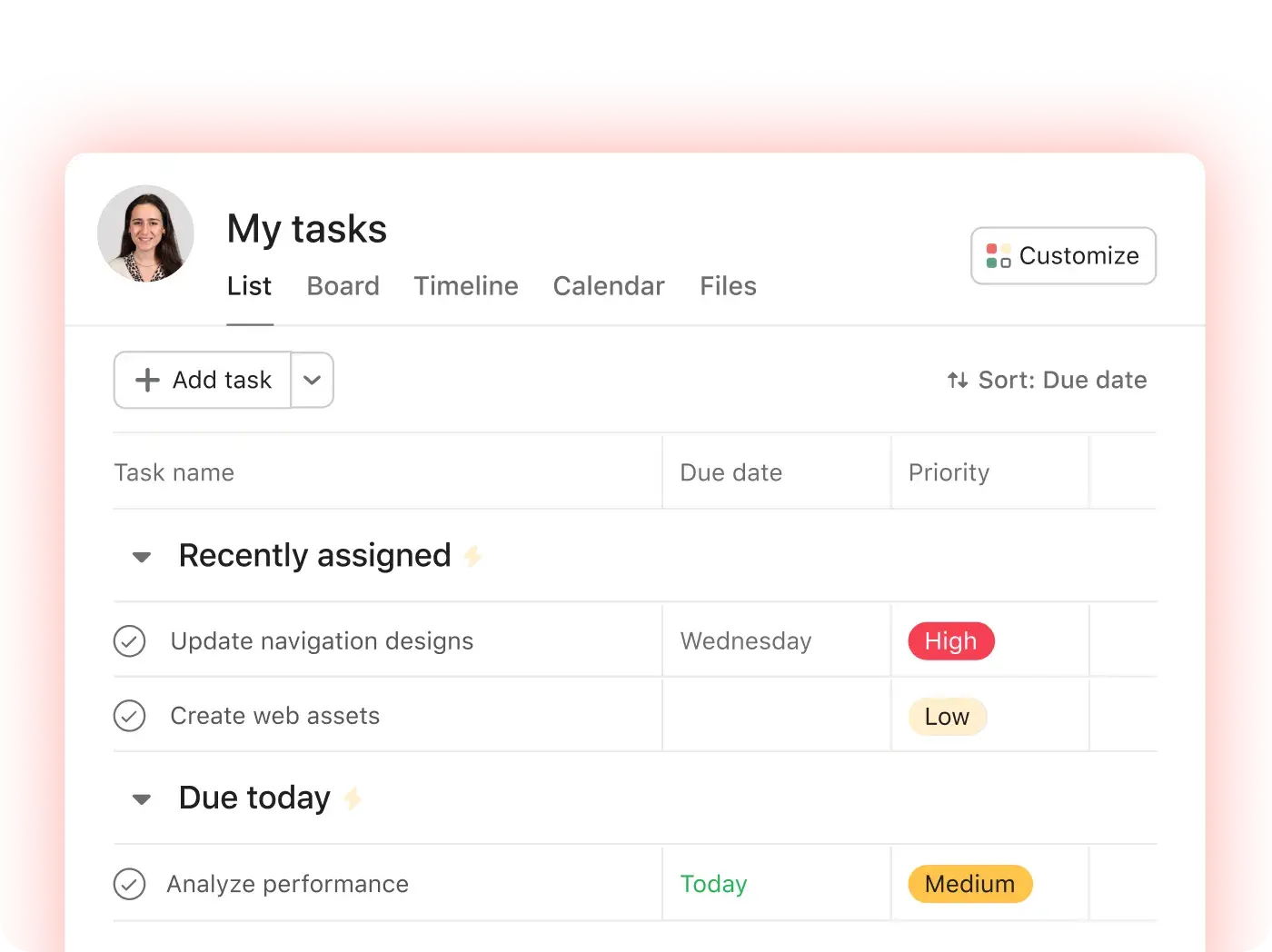
This is where Monday.com earns its 4.7 G2 rating. The interface is genuinely easy to navigate for new users. Color-coded status columns, drag-and-drop tasks, and visual boards that load instantly make onboarding fast. Most teams are productive within a day.
Asana has improved dramatically over the years, but it still carries a steeper initial learning curve. The sidebar navigation, multiple project views, and separation of Tasks from Projects can confuse new users. That said, once mastered, Asana’s structure rewards teams that invest in it.
Winner: Monday.com for getting teams up and running faster. Asana catches up for power users who prefer a more structured task hierarchy.
Task and Project Management
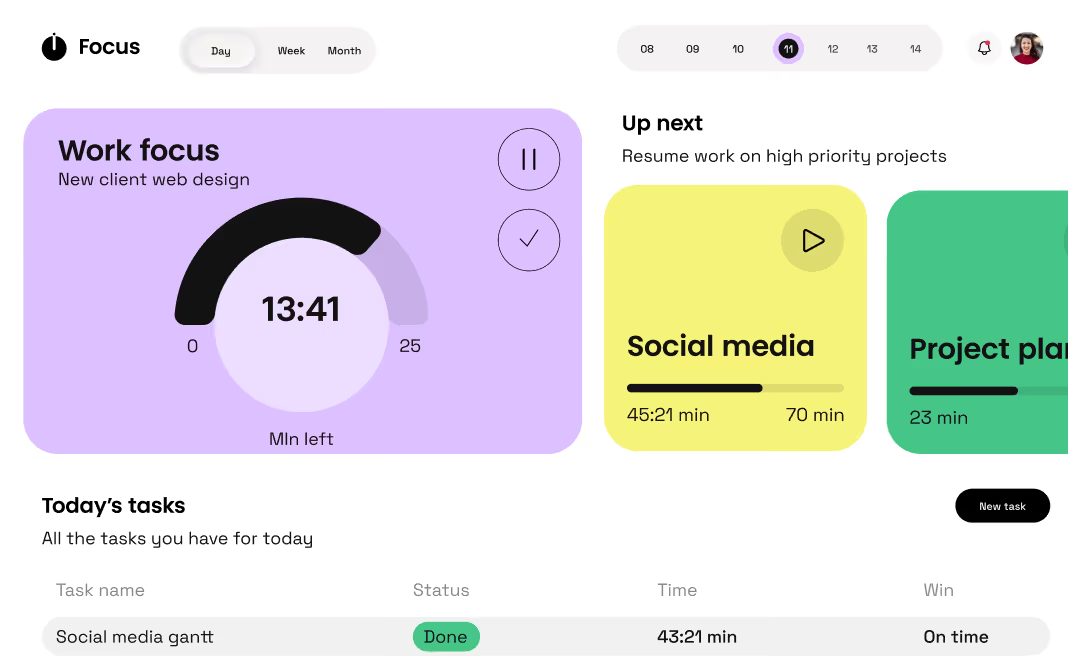
Both tools handle task management well, but with different philosophies.
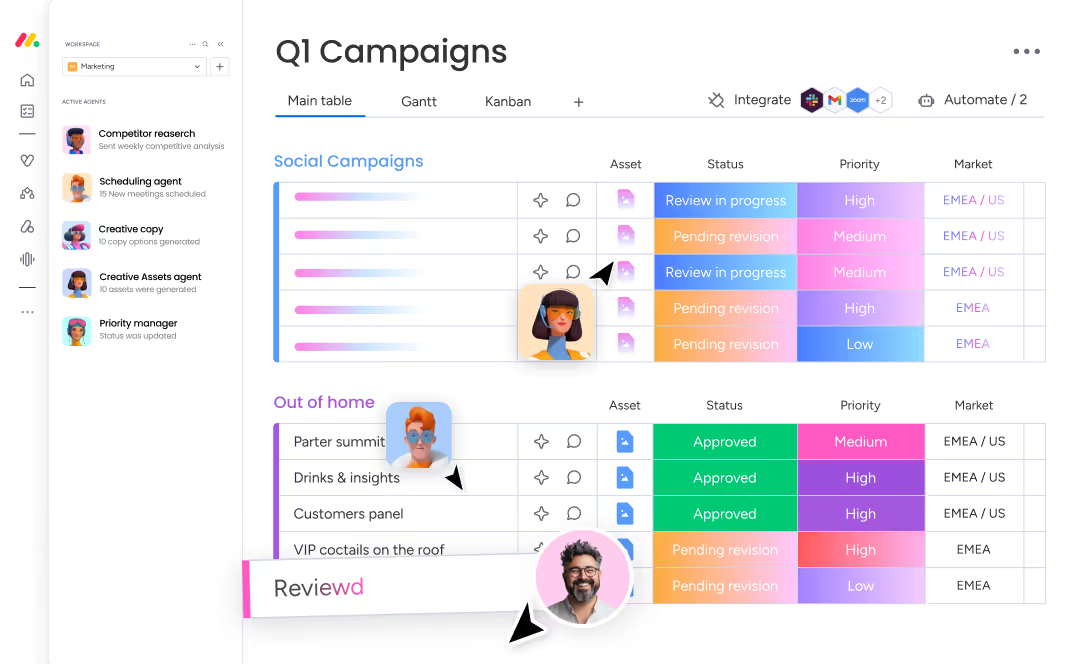
Monday.com treats boards as the central unit of work. Each board is a project, and items (tasks) sit in rows with columns for status, assignee, dates, and any custom field you add. You can build a board that looks like a spreadsheet, a kanban, a calendar, or a Gantt chart—switching views takes one click. The flexibility is unmatched.
Asana is task-first. Every piece of work is a task, and tasks can live in multiple projects simultaneously—a feature Monday.com lacks. This “multi-homing” feature is genuinely powerful for cross-functional teams where a single deliverable belongs to multiple projects. Asana also offers subtasks with subtasks (nested hierarchies), which Monday.com’s subitems only partially replicate.
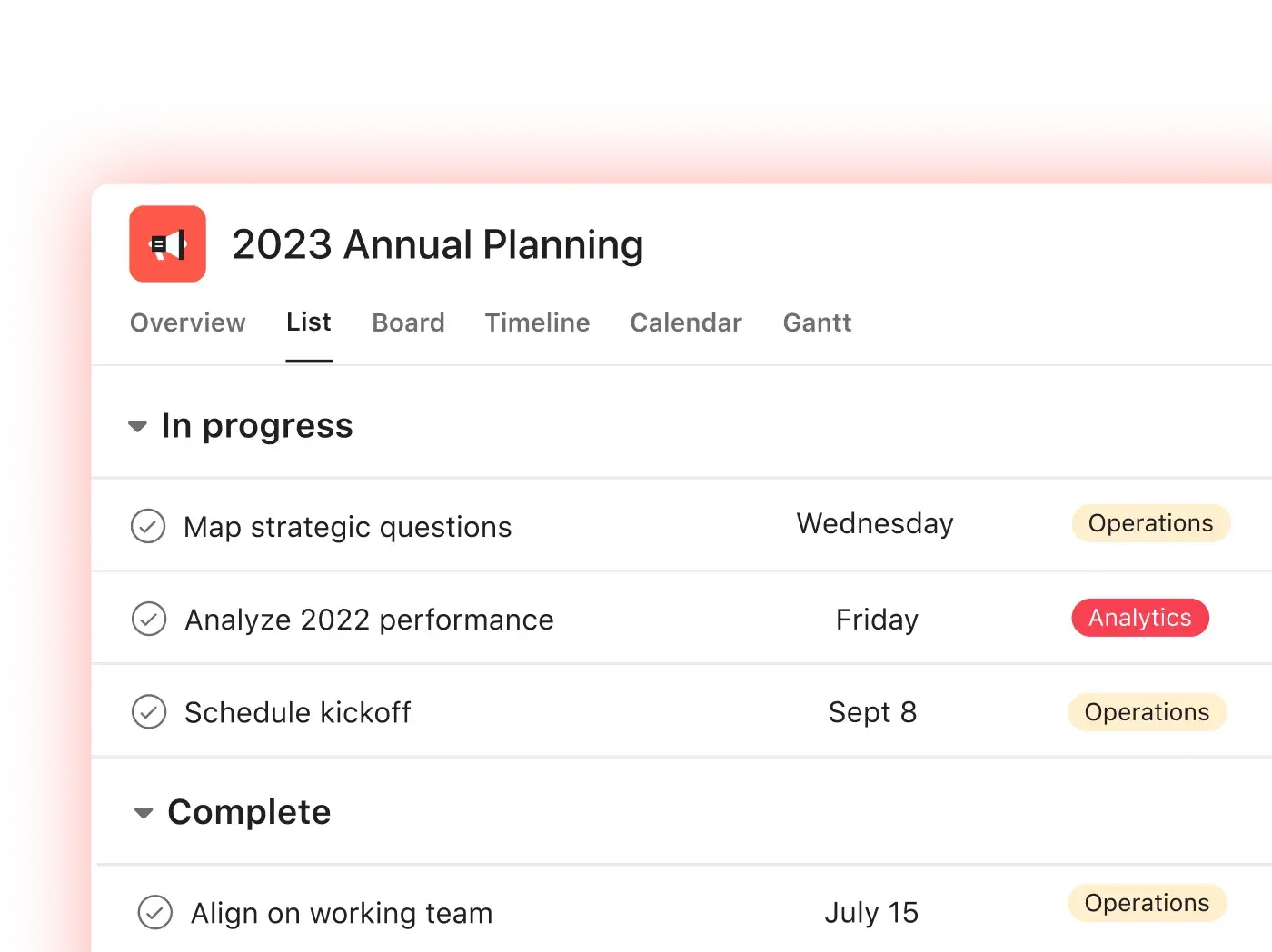
Winner: Asana for task management sophistication (multi-homing, nested subtasks, richer custom fields at lower tiers). Monday.com wins for visual flexibility and ease of creating custom workflows.
Automations
Both platforms offer no-code automations, but they differ in implementation.
Monday.com’s automations are recipe-based: “When [trigger], then [action].” They’re intuitive to build and cover most use cases: moving tasks when status changes, sending notifications, creating items in other boards, and syncing with integrations. The Standard plan includes 250 automation runs/month; Pro bumps this to 25,000.
Asana’s automations (called Rules) are similarly recipe-based but more powerful in one key way: unlimited runs on the Premium plan ($10.99/user/month). You get the same trigger-action model, plus multi-step rules and branching logic on higher tiers. For teams that automate heavily, Asana’s unlimited runs at a lower price point is a clear advantage.
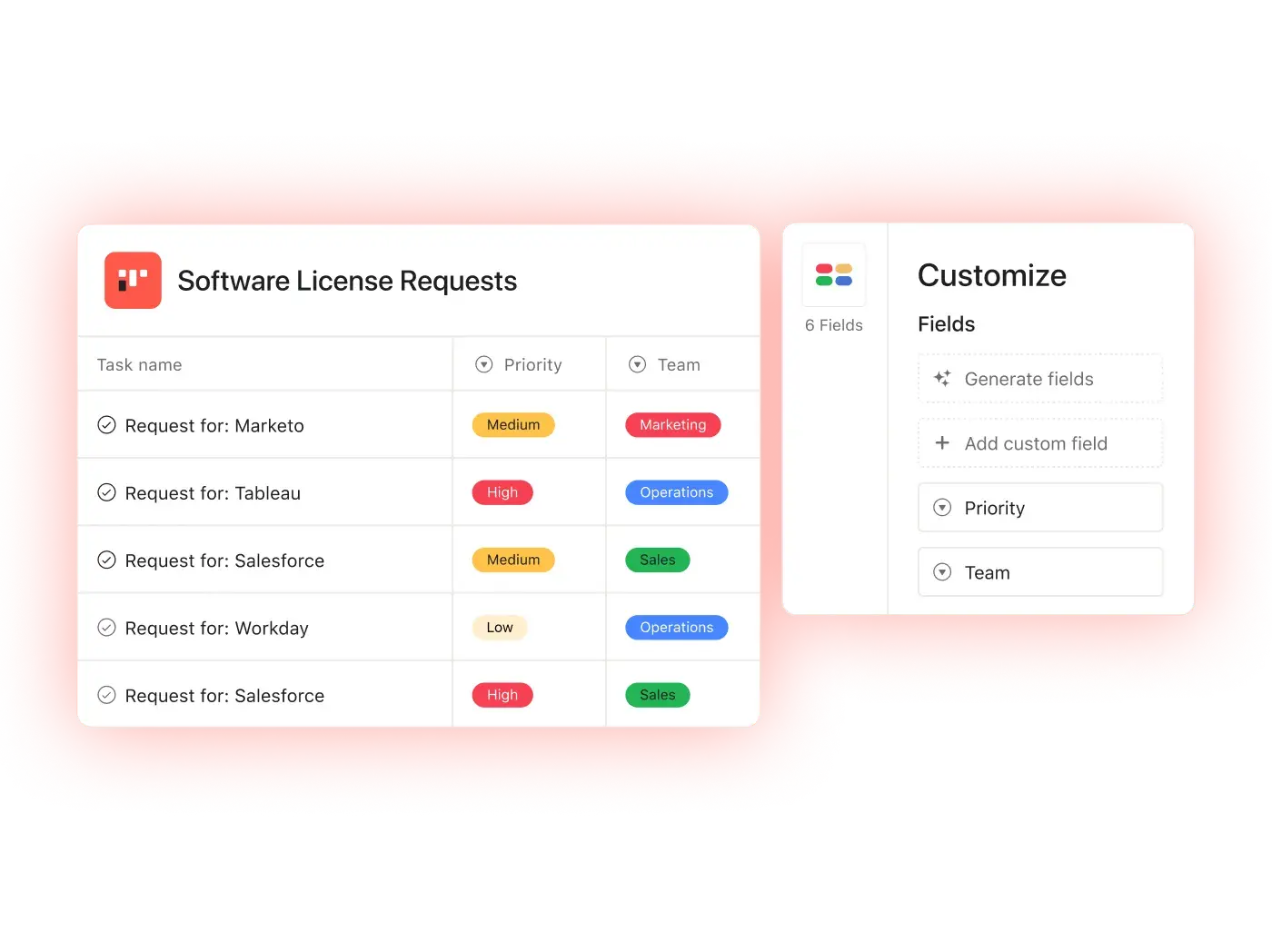
Winner: Asana for automation value (unlimited runs at a lower tier). Monday.com wins for automation simplicity and discoverability.
Reporting and Dashboards
Both tools offer dashboards, but they differ significantly in depth.
Monday.com’s dashboards are highly visual and customizable. You can pull widgets from multiple boards—charts, numbers, battery charts, timelines—and arrange them in a drag-and-drop canvas. The result looks great and gives executives a real-time view of project health across portfolios.

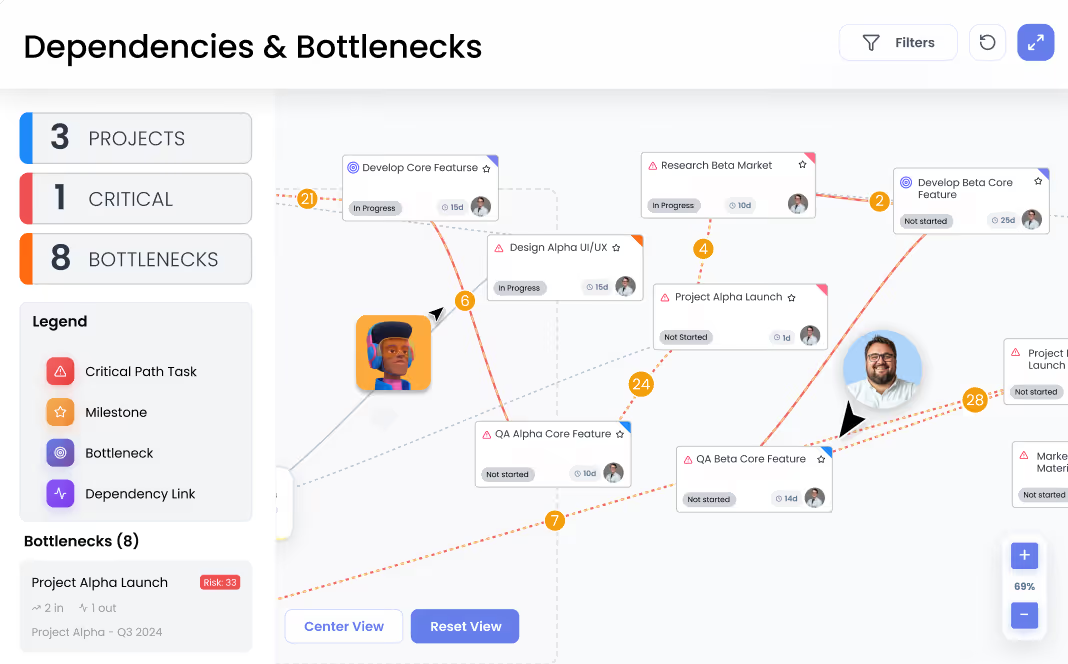
Asana’s dashboards are simpler but increasingly powerful. Goal tracking, portfolio-level status rollups, and workload views give managers a bird’s-eye view of team capacity and project health. Asana’s reporting integrates with Salesforce, Tableau, and Power BI, which matters for data-driven organizations.

Winner: Tie. Monday.com wins on visual polish and dashboard flexibility. Asana wins on structured reporting and business intelligence integrations.
Workload and Team Capacity
Managing team capacity is a Pro/Business-level feature for both tools.
Monday.com’s workload view shows assigned hours or task counts per team member across boards. Managers can spot who’s over-capacity and reassign items directly from the workload screen.
Asana’s workload view similarly shows effort by assignee and allows real-time rebalancing. Asana goes one step further with its “Capacity” feature: you can set per-user weekly capacity in hours and see project effort versus availability in a single chart.
Winner: Asana for more precise capacity planning. Monday.com wins for ease of access and visual clarity.
Integrations
Asana integrates with 300+ apps and has native connectors with Salesforce, Jira, Microsoft Teams, Slack, Google Workspace, Zoom, and more. Asana’s API is mature and widely used by enterprise IT teams.
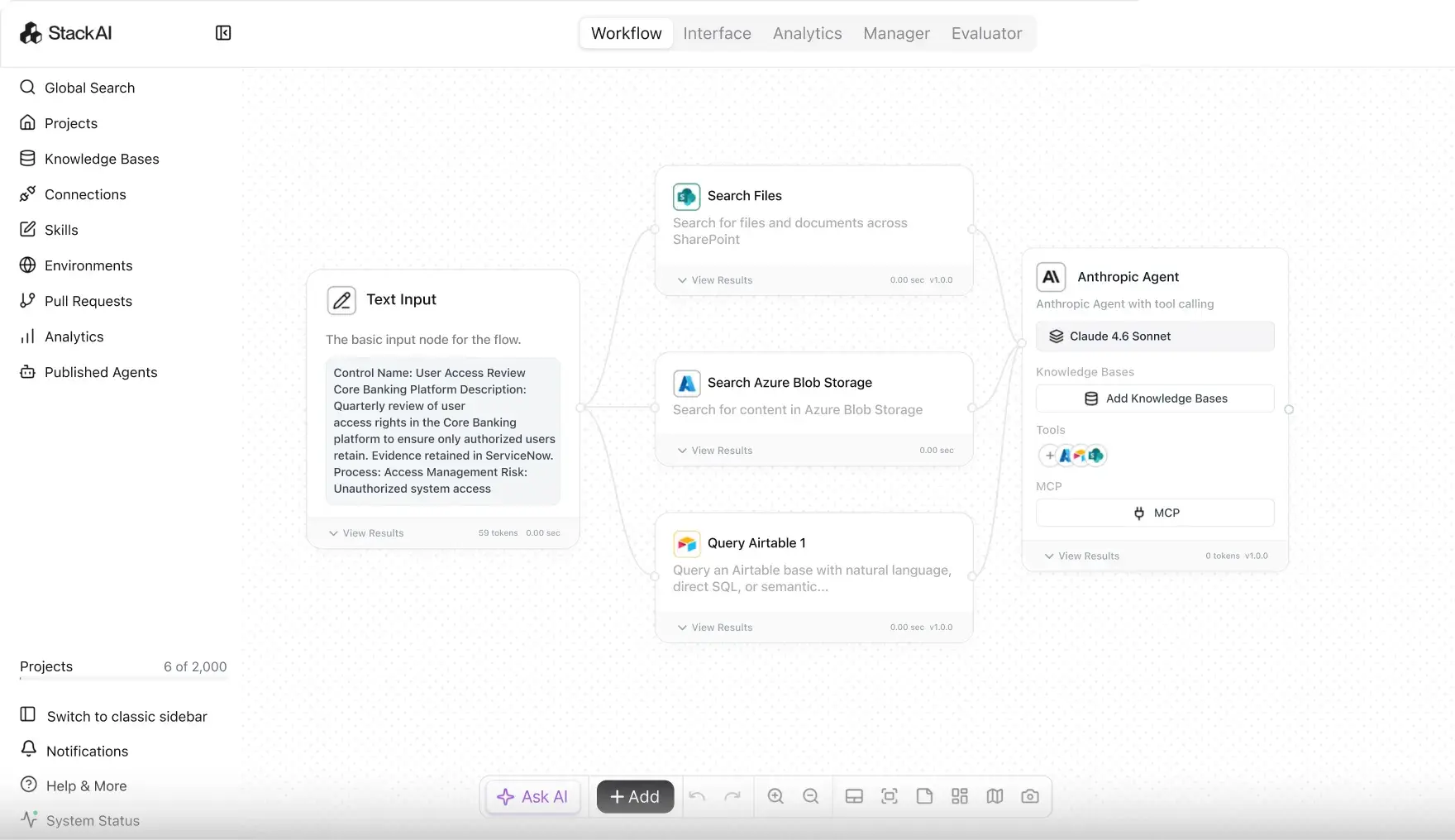
Monday.com integrates with 200+ apps and has recently expanded its integration library. Its CRM, Dev, and Service products create an internal ecosystem that reduces the need for external integrations for some teams.
Winner: Asana for breadth and depth of enterprise integrations.
AI Features (2026)
Both platforms have leaned heavily into AI, but their implementations differ.
Monday AI includes an AI assistant that generates content for updates, builds automations from natural language, and summarizes board activity. Monday also has AI-powered agents for marketing, PMO, and IT workflows that automate multi-step processes end to end.
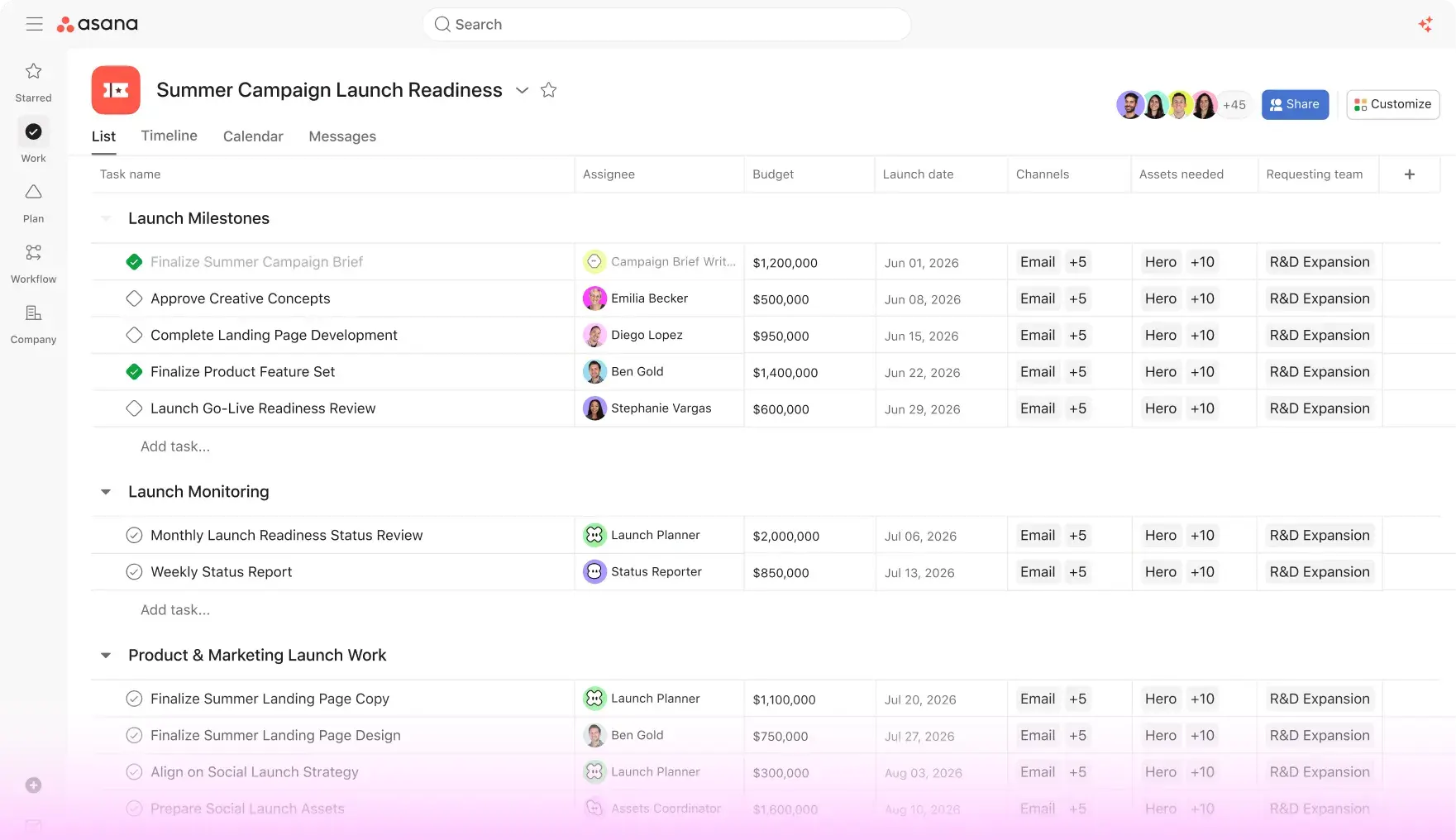
Asana AI offers smart summaries, action items from meetings, automated task creation, and goal-to-task alignment powered by AI. Asana Intelligence integrates deeply with Asana’s portfolio and goals features, helping teams prioritize in real time.
Winner: Slight edge to Monday.com for more mature AI agents. Asana AI is powerful but currently more narrowly focused on task and goal alignment.
Who Should Choose Monday.com?
- Visual teams — Marketing, creative, and operations teams that think in boards and color codes
- CRM users — Teams that want sales pipeline management alongside project tracking (monday CRM is built-in)
- Flexible workstreams — If your workflows change frequently and you need to reconfigure quickly without IT involvement
- SMBs scaling up — Monday’s pricing and onboarding are designed for teams that grow fast
- Non-technical teams — If your team struggles with software adoption, Monday’s intuitive UI will win them over

Who Should Choose Asana?
- Task-heavy organizations — If managing thousands of tasks across teams is your primary use case, Asana’s hierarchy and multi-homing capabilities are unmatched
- Enterprise teams — Asana’s compliance features, SSO, and audit logs make it the default choice for regulated industries
- Integration-first workflows — Teams deeply embedded in Salesforce, Jira, or Microsoft Teams ecosystems
- Goal-driven companies — Asana’s Goals feature links company OKRs directly to individual tasks—a workflow Monday.com can’t match natively
- Free plan users — If your team is under 10 people and budget is tight, Asana’s free plan is far more generous
Final Verdict: Monday.com vs Asana
Choose Monday.com if: your team needs a visual, flexible workspace they’ll actually enjoy using. Monday wins on UI, onboarding speed, built-in CRM, and AI-powered agents.
Choose Asana if: your team manages complex task hierarchies, needs unlimited automations at a lower price, or works in an enterprise environment where integrations, compliance, and goal alignment matter.
For the average growing software or marketing team, Monday.com edges ahead. For large enterprises with complex workflows, data governance needs, and heavy Salesforce/Jira usage, Asana is the safer bet.
If your team is also evaluating a communication platform alongside your project tool, our Slack vs Microsoft Teams comparison covers the key trade-offs — many teams choose their project management and chat tools together. For engineering-focused teams, see also our Linear vs Jira breakdown for software teams in 2026. Teams that use Notion for documentation alongside their PM platform may also find our Notion vs Obsidian breakdown useful for deciding how to structure their knowledge base.
Frequently Asked Questions
Is Monday.com better than Asana?
Monday.com is better for visual project management, CRM workflows, and flexible automation. Asana is better for structured task management, enterprise integrations, and teams that prioritize detailed reporting. The best tool depends on your team’s workflow style.
Which is cheaper: Monday.com or Asana?
Monday.com starts at $9/seat/month (Basic), while Asana’s paid Starter plan is $10.99/user/month. However, Asana’s free plan supports up to 10 users versus Monday.com’s 2-seat free plan—making Asana the better free option for small teams.
Can Monday.com replace Asana?
Yes, Monday.com can replace Asana for most teams, particularly those that value visual flexibility and ease of use. Teams relying heavily on Asana’s multi-homing tasks, advanced goal tracking, or Salesforce integration may find the switch requires workflow changes.
Does Asana have better integrations than Monday.com?
Asana integrates with 300+ apps natively and is widely regarded as having stronger enterprise integration depth, especially with Salesforce, Jira, and Microsoft Teams. Monday.com offers 200+ integrations and is catching up quickly with its expanding ecosystem.