Comparisons
Airtable vs Notion for Databases in 2026: Which One Actually Wins?
Airtable vs Notion for databases in 2026 — verified pricing and seat rules, record and automation limits, AI credits, views and dependencies, and which tool actually fits your team.
The short version: If your team runs on structured data — CRM records, inventory, content pipelines — pick Airtable. It is a relational database disguised as a spreadsheet, and it is genuinely powerful. If you want documents, wikis, and project tracking all in one place and databases are secondary, pick Notion. Two different tools solving two different problems.
Both have free plans. Both have slick UIs. Both earn 4.6/5 on G2. The question is: which one actually fits what you are building?
This breaks down by what matters: database features, views, automations, pricing, and where each tool breaks.
Last updated: November 2026. Pricing, seat rules and limits verified against airtable.com/pricing, notion.com/pricing and both vendors’ help documentation on 3 November 2026.
- What Is Airtable?
- What Is Notion?
- Quick Comparison Table
- Database Features: Where They Actually Differ
- Views and Layouts
- Automations and Integrations
- AI Features in 2026
- Pricing in 2026
- Who Actually Counts as a Paid Seat
- Scalability and Performance
- Decision Guide
- The Verdict
- FAQ
What Is Airtable?
Airtable launched in 2012 with a simple pitch: a database anyone can use. Think Excel, but every cell can be a linked record, a file attachment, a date, a dropdown, or a formula. Tables connect to each other. Records roll up. Automations fire when something changes.
Airtable’s own marketing now claims more than 500,000 organizations use the product — marketing teams, ops teams, product managers, and developers building internal tools. The core product is a cloud-hosted relational database that requires no SQL.
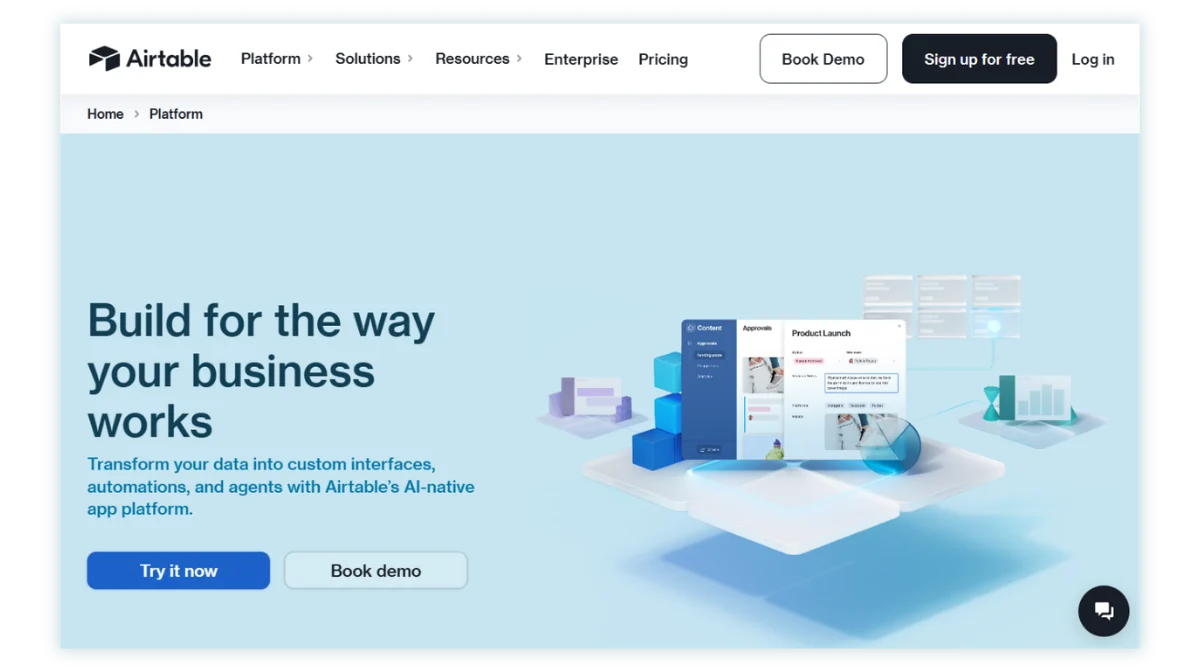
Airtable is for data-first teams. If your workflow revolves around records — leads, tasks, assets, inventory — and you need those records to connect, filter, and trigger actions, Airtable is built for you.
What Is Notion?
Notion started as a note-taking tool and evolved into something harder to categorize. It is part wiki, part project manager, part database, part document editor. You write a page. Inside that page, you drop a database. That database links to another page. It is an all-in-one workspace with a very flexible canvas.
Notion now claims 100 million users across more than 50 countries. Teams use it for company handbooks, roadmaps, meeting notes, and project tracking. The database feature exists but it is not the headline — the headline is the connected workspace.
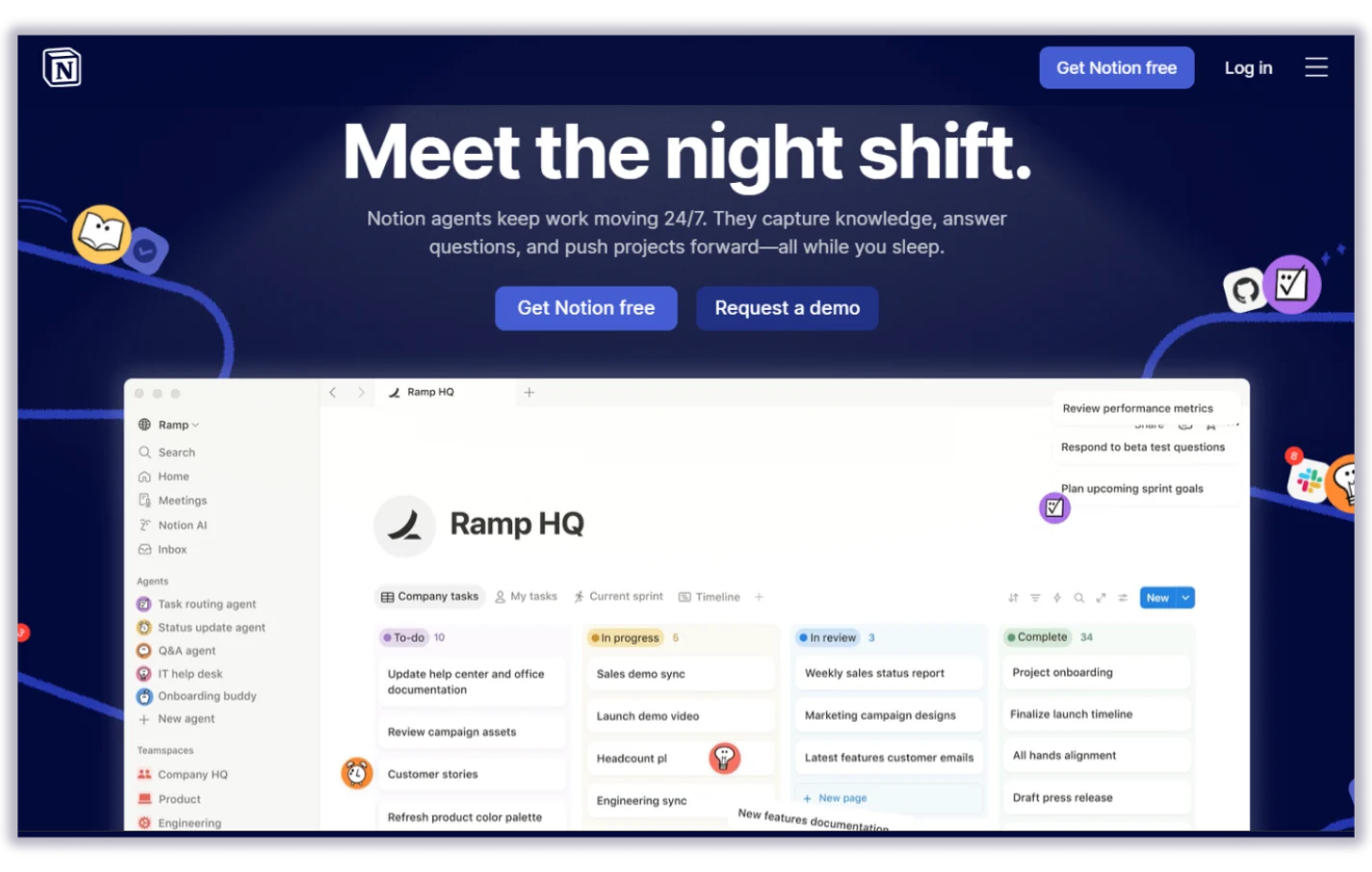
Notion is for documentation-first teams. If your team runs on wikis, meeting notes, and project pages — and databases are one tool among many — Notion fits naturally. It also integrates cleanly with team knowledge management workflows, similar to how tools like Notion compares to Obsidian for personal knowledge management.
Quick Comparison Table
| Feature | Airtable | Notion |
|---|---|---|
| Core purpose | Relational database platform | Connected workspace (docs + databases) |
| Plan names | Free, Team, Business, Enterprise Scale | Free, Plus, Business, Enterprise |
| Free plan limits | 1,000 records per base, 5 editors, 100 automation runs/month | 1,000 blocks per workspace if it has more than one owner; unlimited blocks for a single-member workspace |
| Views available | Grid, Kanban, Calendar, Gallery, Timeline, Gantt, Form | Table, Board, Gallery, Calendar, List, Timeline |
| Automations | Native, powerful (25,000 runs/month on Team) | Basic native + Zapier/Make for depth |
| Linked databases | Yes — full relational with rollups and lookups | Yes — relations and rollups within the workspace |
| Task dependencies | Yes — Gantt view, all paid plans | Yes — Timeline view supports dependencies |
| AI features | AI field categorization, summaries, data insights — credits included on every plan | Notion AI on Business and Enterprise; Free and Plus get a limited trial |
| Paid pricing (annual) | From $20/seat/month | From $10/member/month |
| Record limit (Team for Airtable / Plus for Notion) | 50,000 per base | No fixed record limit (performance degrades at scale) |
| API access | Yes — every base is auto-generated as a REST API | Yes — REST API available |
| Best for | Data-heavy teams, ops, marketing, CRM | Knowledge bases, wikis, project documentation |
| G2 rating | 4.6/5 (3,304 reviews) | 4.6/5 (13,962 reviews) |
Database Features: Where They Actually Differ
This is where it gets real. Both tools call their thing a database. They are not the same thing.
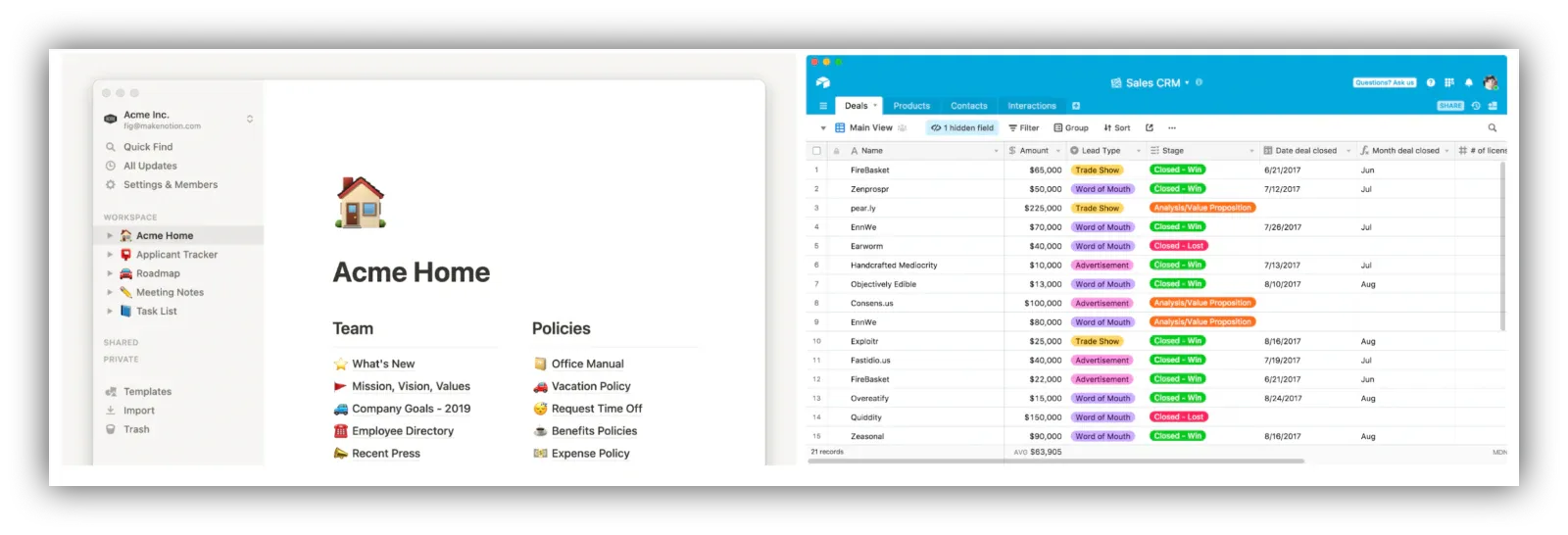
Airtable is a relational database. Tables link to other tables. You create a field in Table A that pulls records from Table B. Rollup fields aggregate data across linked records. Lookup fields surface values from linked rows. It is not quite SQL, but it is structurally relational. If you understand how databases work, Airtable will feel immediately powerful.

Notion databases are page-based. Every record is a page. That page can have properties (like fields), but the real power is that each record is also a full Notion document. You can write meeting notes inside a project record. You can attach a spec doc to a bug report. It is a fundamentally different model — flexible, but less structured.
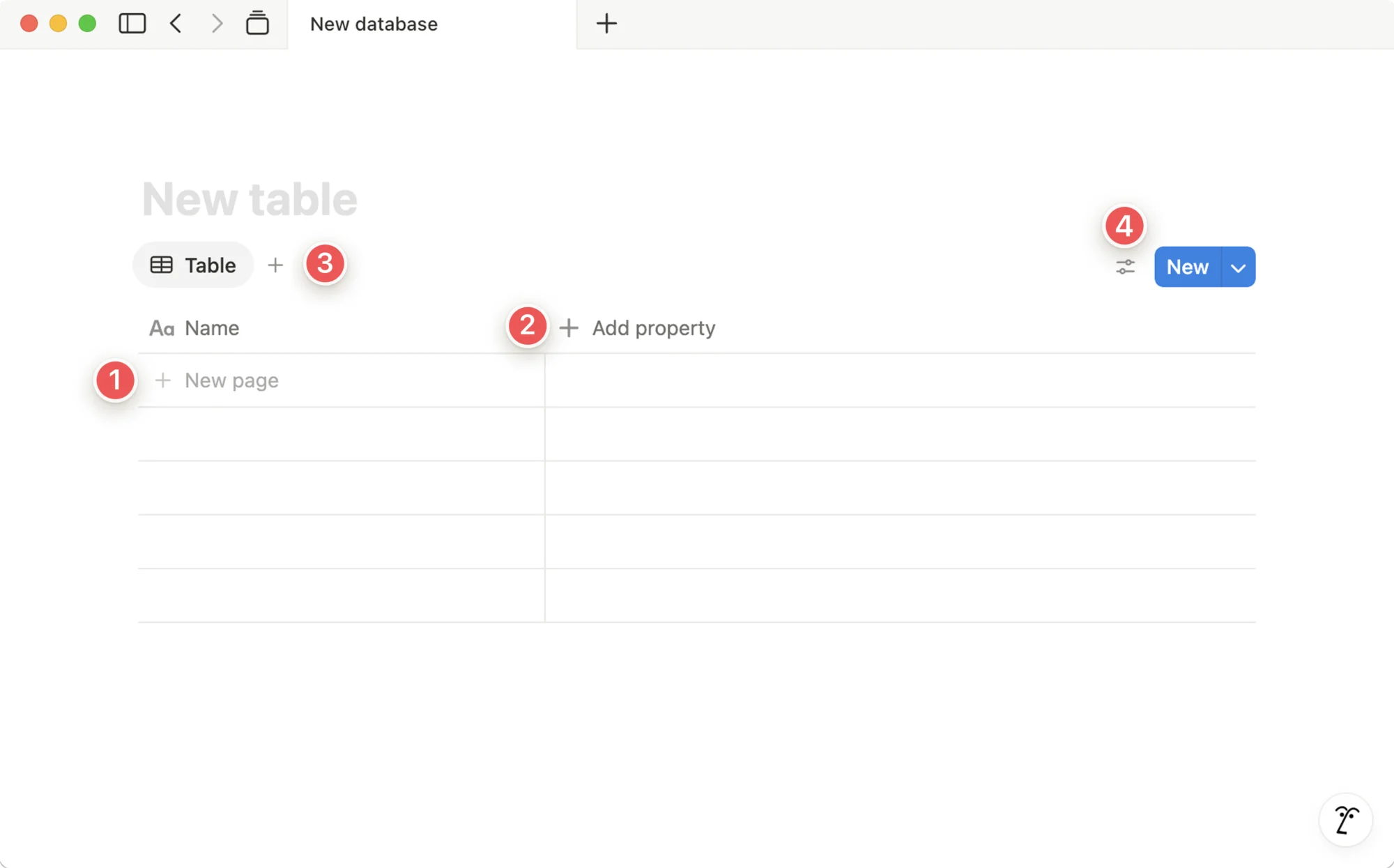
Airtable field types: text, number, currency, percent, duration, phone, email, URL, single select, multi-select, date, rating, checkbox, linked record, lookup, rollup, count, formula, created/modified time, collaborator, attachment, button, AI field.
Notion property types: text, number, select, multi-select, date, person, files, checkbox, URL, email, phone, formula, relation, rollup, created/modified time, ID.
Airtable wins on field variety and relational depth. Notion wins on the record-as-document concept — you can write and collaborate inside a record in ways Airtable does not support natively.
Views and Layouts
Both tools let you view the same data in multiple ways. Here is what that actually looks like.
Airtable views: Grid (default spreadsheet view), Kanban (drag-and-drop cards by field value), Calendar (date-based), Gallery (visual card layout for image-heavy databases), Timeline (project planning ranges), Gantt (a distinct view type, plus a Gantt layout available inside Timeline view), and Form (public data entry into your base). Each view has its own filters, sorts, and field visibility — unlimited views per table on paid plans.

Airtable’s Gantt view is where dependencies, milestones and critical paths live. Both Timeline view and Gantt view are available on all paid plans, so you don’t need a higher tier for scheduling — but you do need a paid plan. Timeline view on its own only shifts already-set successor dates; the full dependency logic belongs to Gantt.
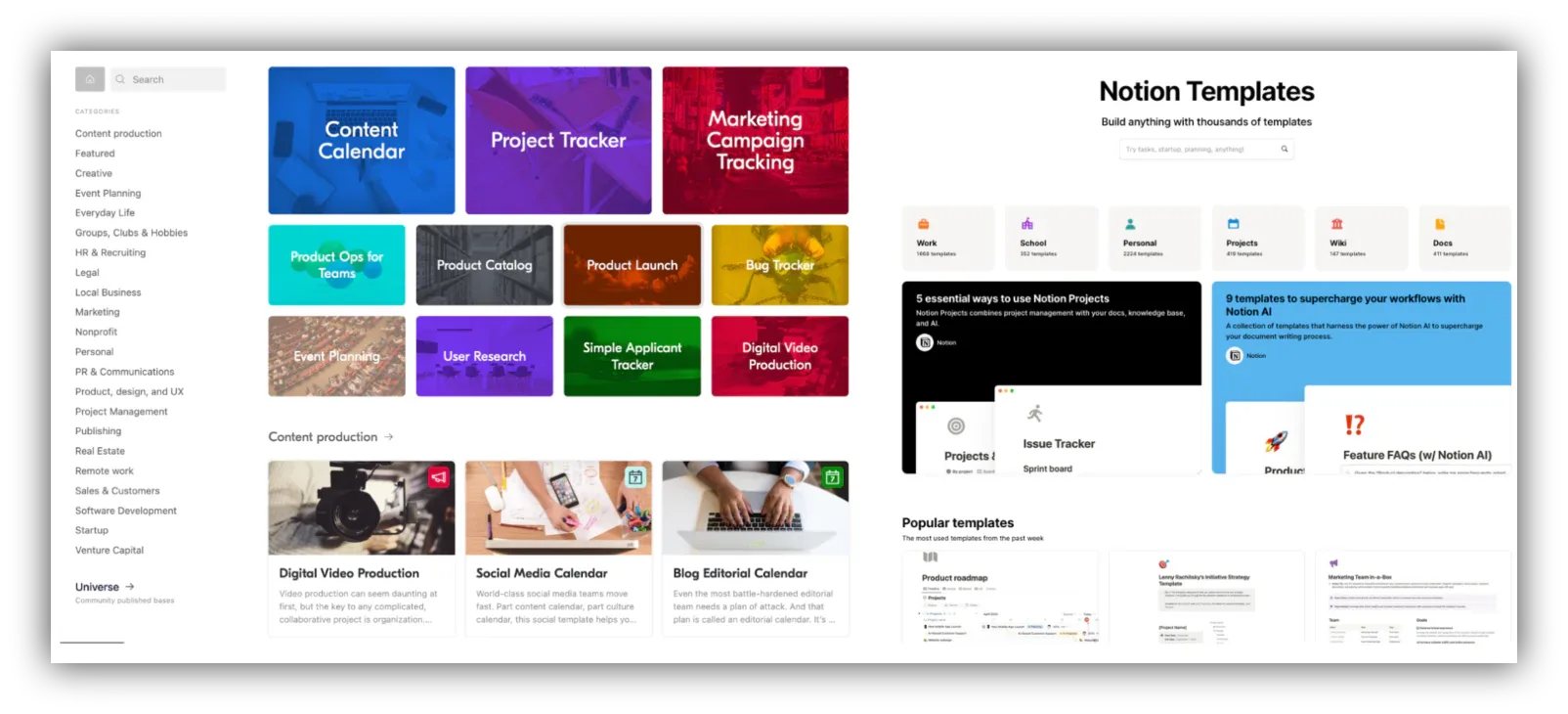
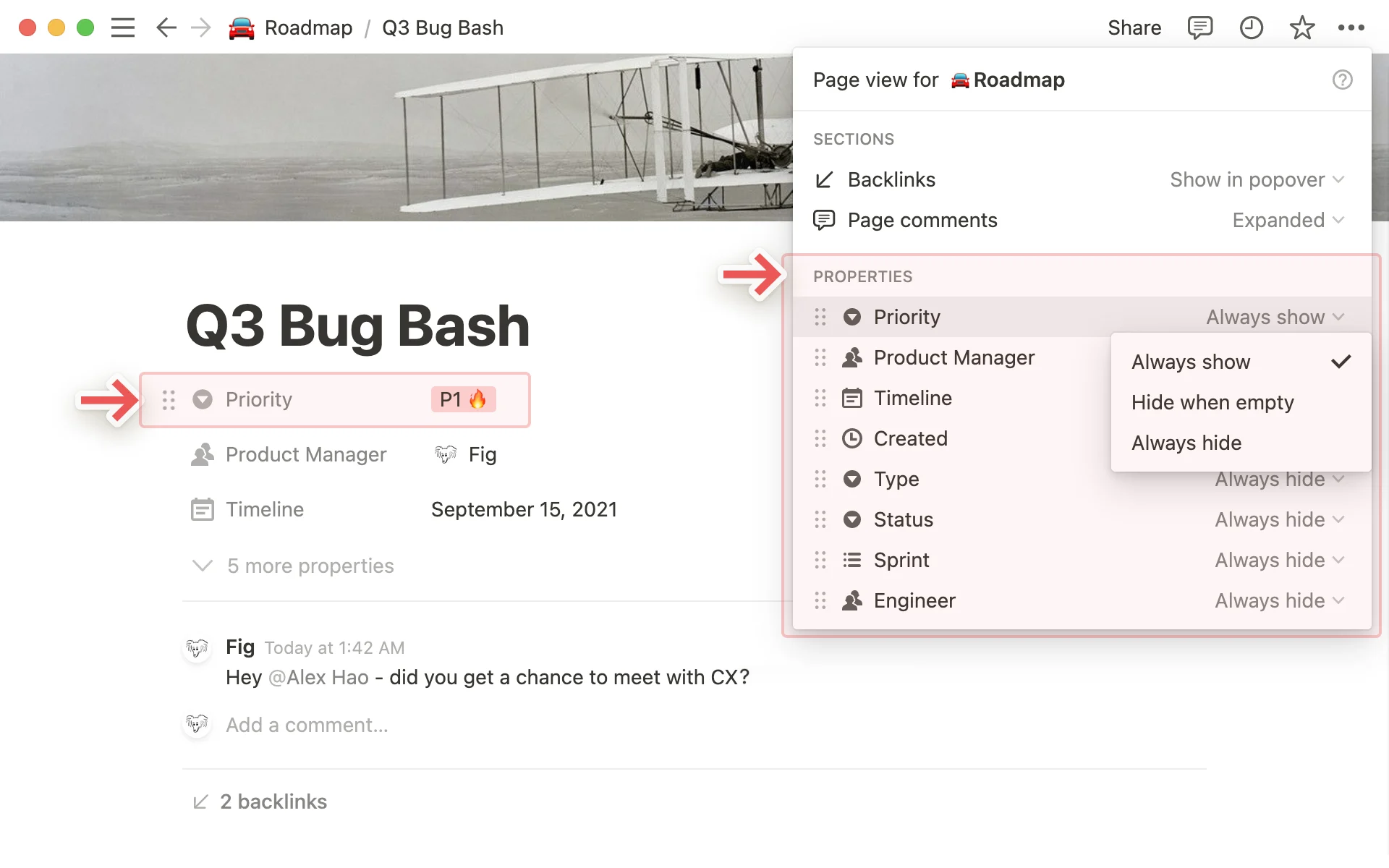
Notion views: Table, Board, Gallery, Calendar, List, Timeline. These map closely to Airtable’s views. Notion’s Timeline view does support dependencies — its documentation covers connecting database entries to show how projects or phases depend on each other, so the common claim that Notion is “a visual date range view only” is out of date. Notion does not document plan gating or date-shift behaviour for dependencies as precisely as Airtable does, so test it on your own workspace before committing a scheduling-heavy workflow to it.
The more reliable differences: Notion views load slower on large databases, and filtering is less granular than Airtable’s. For most project and content tracking needs, Notion’s views are sufficient. For data-intensive operations, Airtable’s view system is more capable.
Automations and Integrations
Airtable’s automation system is genuinely powerful. You set a trigger (record created, matches a condition, form submitted, scheduled time) and an action (create a record, update a field, send an email, post to Slack, call a webhook, run a script). Run limits per workspace per month: Free 100, Team 25,000, Business 100,000. Enterprise Scale limits aren’t published.

Airtable also integrates with the tools most teams already run — Zapier, Make, Slack, Google Workspace, Salesforce and Jira among them. Airtable doesn’t publish a total integration count, so treat any specific figure you see quoted with suspicion. Its developer API turns every base into a REST endpoint automatically, which is the more meaningful capability for teams building internal tools on their data. If you are using Zapier or Make to automate workflows, Airtable connects natively to both.
Notion’s automations are more limited. You can trigger actions when properties change or when certain dates arrive, but workflow depth is shallower. Most teams pair Notion with Zapier or Make to fill the gaps. Notion does have a REST API, but it is less tightly integrated into the product than Airtable’s.

Bottom line on automations: Airtable is a first-class automation platform. Notion is not. If automations are central to your workflow, Airtable wins this round clearly.
AI Features in 2026
Both tools have shipped AI. They have taken very different approaches — and, importantly, they package it very differently.
Airtable AI lives inside the database itself. You can add an AI field that categorizes text, summarizes long-form content, extracts key data points, or generates content based on other fields. Every Airtable plan includes AI credits, and since mid-2025 there is no separate per-seat AI charge: 500 credits per month per Editor-or-above user on Free, 15,000 per billable collaborator on Team, 20,000 per paid user on Business, and 25,000 on Enterprise Scale. Run out and you can buy credit packs, starting around $20/month for 10,000 credits. This is data AI — it acts on your records.

Notion AI is a writing and Q&A assistant that operates across your entire workspace. Ask it to summarize a document, draft a response, find information across your workspace, or generate a table. It is restricted by plan: Notion’s help documentation states Notion AI is available on the Business and Enterprise plans. Free and Plus users get only a limited number of complimentary AI responses — a trial, not an entitlement. Notion’s Custom Agents are priced separately again, free to try and then charged per 1,000 monthly Notion credits. This is workspace AI — it helps you write and navigate information. If you are comparing AI writing capabilities, see also our breakdown of Notion AI vs ChatGPT for notes and docs.
The practical difference: Airtable gives you a usable AI allowance on every plan including Free. Notion makes AI a reason to be on Business. If AI matters to you and you were planning to sit on Notion Plus, price Business instead.
Pricing in 2026
Real talk: Airtable is significantly more expensive per seat at scale.
| Plan | Airtable | Notion |
|---|---|---|
| Free | $0 — 5 editors, 1,000 records/base, 100 automation runs/month, 500 AI credits/user | $0 — 1,000-block cap on multi-owner workspaces, 7-day page history |
| Team (Airtable) / Plus (Notion) | $20/seat/month annual, $24 monthly — 50,000 records/base, 25,000 automation runs | $10/member/month — 30-day page history, limited AI trial only |
| Business | $45/seat/month annual, $54 monthly — 125,000 records/base, SSO, admin panel | $20/member/month — Notion AI included, SSO, 90-day page history |
| Enterprise | Enterprise Scale — custom pricing; record and automation limits not published | Custom — advanced controls, audit log, dedicated success |
For a team of 10 on the mid-tier plans (Airtable Team at $20, Notion Plus at $10): Airtable costs $2,400/year, Notion $1,200/year. That is 2x the annual spend for Airtable. For 30 people, $7,200 vs $3,600. The gap compounds fast.
One correction to that comparison, though: if you need AI, the honest Notion tier is Business at $20/member/month, not Plus — which closes the gap to roughly $4,800 vs $5,400 for a team of 20. Compare the tiers that actually do what you need, not the cheapest line on each pricing page.
Note: Pricing as of November 2026. Check Airtable’s pricing page and Notion’s pricing page for the latest rates before purchasing.
Who Actually Counts as a Paid Seat
This deserves its own section, because it’s the single most commonly misreported thing about Airtable pricing — and getting it wrong can double your quote.
You will often read that Airtable “charges per editor only” and that read-only users are free on every plan. That is not what Airtable’s pricing page says. The page states plainly that Airtable plans are charged per seat, and which permission levels are billable differs by plan:
- On Team: Owners, Creators, Editors and Commenters are billable.
- On Business: Owners, Creators and Editors are billable; Commenters are not.
What genuinely isn’t billed on either plan: read-only collaborators, people submitting forms, and anyone viewing via a share link. Airtable’s own documentation is slightly inconsistent on the Business tier wording, so if your team structure leans heavily on commenters, confirm the count with Airtable before you sign.
Notion is simpler: it charges per member, meaning anyone with access to the workspace. Guests have their own limits by plan.
The upshot: if you have a large group of stakeholders who need to comment but not edit, Airtable Business can genuinely be cheaper per engaged user than Airtable Team — an unusual situation where the more expensive tier is the cheaper purchase. Model it both ways.
Scalability and Performance
This is where both tools show their limits.
Airtable limits: 50,000 records per base on Team, 125,000 on Business, and whatever you negotiate on Enterprise Scale. The record cap is cumulative across all tables in a base, not per table — a detail that catches out teams who split data across tables expecting more headroom. In practice the UI gets sluggish well before you reach the Business cap, so treat the published limits as hard ceilings rather than comfortable operating ranges. Airtable is not a replacement for PostgreSQL or MySQL when you are moving into millions of rows — it is a medium-scale operational database tool.
Notion limits: No hard record limit, but Notion pages load slowly when you have thousands of records in a single database or hundreds of nested pages. Large workspaces with complex databases can feel sluggish, especially on mobile. Real-time collaboration on large pages is also weaker than Google Docs. Free workspaces with more than one owner hit a 1,000-block cap, after which you need a paid plan to keep creating content — deleting blocks does not reset the count, though existing content stays editable.
Both tools are cloud-only. Offline access is limited on both. If your team needs offline-first database work or data residency guarantees, neither tool covers that without the top tier.
Decision Guide: Choose Airtable or Notion?
Choose Airtable if:
- Your core work is tracking structured data — leads, inventory, content, tasks, projects
- You need linked tables, rollups, and lookups (true relational features)
- Automations are central to how your team works
- You need Gantt scheduling with dependencies, milestones and critical paths
- You want AI working on your records, with an allowance included on every plan
- You want to build internal tools or portals on top of your database
- You work in marketing operations, product, or data-heavy roles
Choose Notion if:
- You need a company wiki or knowledge base alongside project tracking
- Your team lives in documents and meeting notes, not spreadsheets
- Budget matters and you don’t need AI — Notion Plus is half the price of Airtable Team
- You are a solopreneur or small team that wants an all-in-one workspace (and a single-member free workspace gets unlimited blocks)
- You like the idea of records that are also full documents with comments and threads
Use both if: your team genuinely needs deep database power (Airtable) AND a rich documentation layer (Notion). Some companies run Airtable for operational data and Notion for team knowledge. It is a common setup at 50 to 200 person companies. Not cheap, but it solves both problems without compromise.
The Verdict
For databases specifically, Airtable wins. It is more powerful, more relational, more automatable, and built from the ground up to handle structured data. The relational depth, the automation engine, the field types, the view system — Airtable was designed for this job. Notion was not.
For a full workspace that includes databases, Notion wins. Documents, wikis, roadmaps, meeting notes, and databases — all connected and searchable in one place, at half the price on the entry paid tier. If databases are one part of a larger knowledge system, Notion makes the better overall choice.
The bottom line: This article is about databases, and on that question the answer is clear — Airtable is the better database tool. If your team is data-first, go Airtable. If your team is documentation-first and just needs databases on the side, go Notion. Before you buy either, check two things: which permission levels your plan actually bills for, and whether the AI you’re expecting is included on the tier you’re pricing. Those two details move the real cost more than the headline per-seat figure does.
FAQ
Is Airtable better than Notion for databases?
Airtable is better for structured, relational data with complex views and automations. Notion is better when you need databases alongside documents, wikis, and project pages in a single flexible workspace.
Can Notion replace Airtable?
Notion can replace Airtable for lightweight database needs — tracking projects, managing content calendars, or building simple CRMs. It cannot match Airtable’s relational depth, record limits, or automation power for data-heavy teams.
How much does Airtable cost per month in 2026?
Airtable’s Team plan costs $20 per seat per month billed annually, or $24 billed monthly. Business is $45 per seat per month annually, or $54 monthly. Enterprise Scale is custom-priced. A free plan is available with up to 1,000 records per base and 5 editors.
How much does Notion cost per month in 2026?
Notion’s Plus plan costs $10 per member per month and Business costs $20 per member per month. Notion AI is included on Business and Enterprise; Free and Plus users get only a limited trial of AI responses. A free plan is available, with unlimited blocks for single-member workspaces and a 1,000-block cap on workspaces with more than one owner.
Does Airtable charge for read-only users?
No, but the rule is narrower than it’s often reported. Airtable charges per seat, not per editor. Read-only collaborators, form submitters and share-link viewers are not billed. However, on the Team plan Commenters are billable alongside Owners, Creators and Editors; on Business, Commenters are not billable. If your team has many commenters, the Business plan can work out cheaper per engaged user than Team despite the higher list price.
Which is easier to use, Airtable or Notion?
Notion is generally easier to start with for people familiar with documents and note-taking apps. Airtable requires a database-thinking mindset but has a gentle learning curve once you understand the base-table structure.
Does Airtable have an API?
Yes. Every Airtable base is automatically a REST API. Airtable supports webhooks and integrates natively with tools including Zapier, Make, Slack, Google Workspace, Salesforce and Jira. Airtable does not publish a total integration count, so be wary of specific figures quoted elsewhere.
Does Notion’s Timeline view support task dependencies?
Yes. Notion’s documentation covers adding dependencies to connect database entries in Timeline view, showing how projects or phases depend on each other. Older comparisons describing Notion’s Timeline as a date-range view with no dependency support are out of date. Notion documents the behaviour less precisely than Airtable documents its Gantt view, so test it against your own scheduling workflow before relying on it.
Which tool performs better at scale?
Neither is a replacement for a production database. Airtable caps bases at 50,000 records on Team and 125,000 on Business, counted cumulatively across all tables in the base, and the interface slows well before those ceilings. Notion has no hard record limit but slows noticeably with large databases and deeply nested workspaces.
Is Airtable a true relational database?
Airtable is a relational database tool that supports linked records, rollup fields, and lookup fields across tables. It is not a traditional SQL database and does not support JOIN queries, but for operational data management without engineering resources, it functions as a practical relational system.