Comparisons
Stripe vs PayPal for Online Business (2026): Which One Should You Use?
Quick take: Stripe wins for most online businesses. It's cheaper per transaction, built for subscriptions, and scales without headaches.
Quick take: Stripe wins for most online businesses. It’s cheaper per transaction, built for subscriptions, and scales without headaches. Pick PayPal if your specific customer base trusts it at checkout — the conversion bump is real, but you’re paying a premium for it.
Pricing: Where the Gap Really Hurts
This is the number that matters most.
| Stripe | PayPal (Standard Checkout) | |
|---|---|---|
| Standard online rate | 2.9% + $0.30 | 3.49% + $0.49 |
| Advanced card processing | 2.9% + $0.30 | 2.89% + $0.29 |
| International surcharge | +1.5% | +1.5% |
| Currency conversion | +1.0% | 3.0–4.0% |
| Chargeback fee | $15 | $20 |
| Monthly fee (base) | $0 | $0 |
| Monthly fee (Pro) | N/A | $30/month |
Here’s what that table means at scale. Say your business processes $50,000/month at an average transaction of $50 (1,000 transactions):
Stripe: $50,000 x 2.9% = $1,450 + 1,000 x $0.30 = $1,750 total
PayPal standard: $50,000 x 3.49% = $1,745 + 1,000 x $0.49 = $2,235 total
Difference: $485/month. $5,820/year.
That’s the annual savings Stripe delivers at a fairly modest $50k/month volume. At $200k/month, the gap is over $23,000 per year — money you’re leaving on the table for no reason.

PayPal’s “free to start” hook obscures this. The product has no monthly fee (for the base account), but the per-transaction rate is materially higher than Stripe’s. If you’ve read our breakdown of free plan vs free trial for software pricing, you’ll recognize the pattern: $0/month sounds better than it is when the unit economics don’t add up.
One thing PayPal gets right: Its advanced card processing rate (2.89% + $0.29, available on Payments Advanced/Pro) actually beats Stripe. But you’ll pay $5–$30/month for that tier — and few merchants bother to switch off the default.
Setup and Getting Started
PayPal wins on day one, and it isn’t close. Create a business account, verify your email, get approved (usually same day), paste a button on your site. Twenty minutes, no code required.
Stripe requires more setup: create an account, verify your business identity with bank and tax info, then either use Stripe’s hosted Checkout page or build a custom integration. If you have a developer, this is a few hours of work. If you don’t, it can feel like a wall.
For non-technical founders running simple stores, PayPal’s frictionless start has real value. For anyone building something that needs to last — subscription products, custom checkout flows, complex pricing — that initial setup time pays back within weeks.
Stripe: What You’re Actually Getting
Stripe is the infrastructure layer for internet businesses. Not just a payment button — a platform.
Subscriptions and recurring billing. Stripe Billing handles monthly plans, annual pricing, usage-based models, trial periods, and dunning (automatic recovery emails when a card fails). If you’re building SaaS, this is why you use Stripe. PayPal’s recurring payments product exists but is significantly more limited.

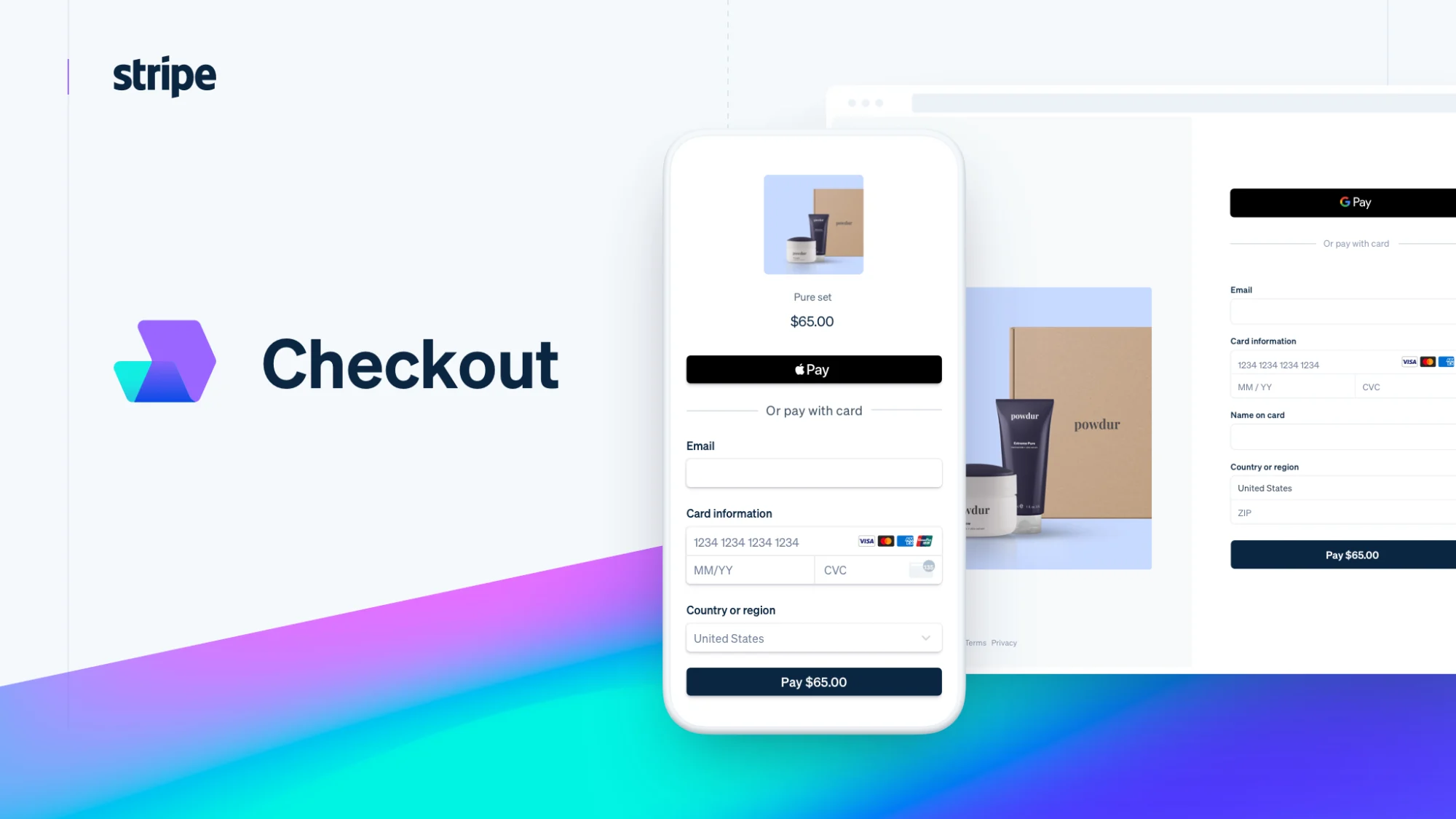
Checkout you actually control. Stripe Checkout is a hosted payment page that takes 10 minutes to set up. The full API gives you complete control over the UI. You can match your brand exactly, add upsells, collect custom fields — none of which are options with PayPal’s standard button.
Radar (fraud detection). Machine learning fraud scoring runs on every Stripe transaction by default. No extra setup, no add-on purchase. You get customizable blocking rules, velocity checks, and real-time risk scoring built into the base product.

Data portability. This one matters if you ever want to leave. With Stripe, your customers’ tokenized card data can be exported and migrated to another processor — customers never need to re-enter their card details. PayPal vaults card data on its own infrastructure. You can’t take it with you.
Dashboard and analytics. Stripe’s dashboard shows real-time revenue, subscription MRR, customer churn, failed payment rates, and dispute rates — all in one view, no third-party analytics tool required.
PayPal: What You’re Actually Getting
PayPal has one superpower that Stripe can’t buy: people trust it.

The checkout conversion argument. Studies consistently show that adding PayPal as a checkout option lifts conversion 3–8% compared to credit card-only checkout. Not because PayPal’s checkout flow is better — it isn’t — but because customers recognize the logo, know their buyer protection is in place, and click without hesitation. On high-volume consumer businesses, that lift can more than pay for the fee premium.

Consumer network at scale. 435 million+ active PayPal accounts globally. For businesses selling to general consumers — especially the 45+ demographic, or shoppers in markets where PayPal has strong penetration — this matters enormously.
Pay Later (BNPL) built in. PayPal’s buy-now-pay-later option is embedded in PayPal Checkout with no additional setup. You pay 4.99% + $0.49 per Pay Later transaction, which is expensive, but BNPL can boost average order value meaningfully. Stripe offers BNPL via Klarna, Afterpay, and Affirm, but these require separate configuration.
Seller Protection. PayPal’s Seller Protection covers certain eligible transactions against unauthorized payment claims and Item Not Received disputes — at no additional cost. Coverage is limited (primarily physical goods with proof of delivery), and digital products often don’t qualify. But for qualifying merchants, it’s a real safety net.
International simplicity. PayPal operates in 200+ countries and 25 currencies through its standard product. For small businesses starting international sales, PayPal is often the path of least resistance. Note: the currency conversion cost is significantly higher than Stripe (3–4% vs 1%).
Integrations
Both platforms connect to most major tools. Here’s where they differ:
Shared integrations: Shopify (note: Shopify Payments is actually built on Stripe), WooCommerce, BigCommerce, Squarespace, Wix, QuickBooks, HubSpot, Salesforce, Zapier.
Stripe-only notable integrations: Xero, NetSuite, DocuSign, GitHub Sponsors. Stripe’s event webhooks also make it straightforward to build automated workflows with Zapier vs Make-style automation tools — trigger flows on subscription started, payment failed, or dispute opened.
PayPal-only notable integrations: Venmo (huge for US consumer payments), PayPal Here (in-person card reader), deeper eBay/marketplace native integration.
For B2B businesses managing complex sales cycles, Stripe connects cleanly into the HubSpot vs Salesforce CRM ecosystem — deal closed in the CRM, payment collected in Stripe, data synced automatically. PayPal’s CRM integrations exist but are more limited.
International Payments: It’s Not Even Close
Both processors charge +1.5% for international cards. The difference is currency conversion.
Stripe: +1.0% for currency conversion. On a $1,000 international transaction, that’s $10.
PayPal: 3.0–4.0% for currency conversion. Same $1,000 transaction costs $30–$40.
That’s a 3x–4x difference. At meaningful international volume, this compounds into a significant cost.
Stripe also supports 135+ currencies, automatic currency detection, and multi-currency payouts — you can accept payments in a customer’s local currency and receive your payout in yours. PayPal supports 25 currencies via the standard product.
Clear winner for international sellers: Stripe.
Security and Dispute Handling
Both processors are PCI DSS Level 1 certified — the highest standard for payment data security. Neither requires you to handle raw card data.
Fraud prevention:
- Stripe Radar: ML-based fraud scoring with customizable blocking rules. Ships with every Stripe account at no extra cost.
- PayPal Fraud Protection: Built-in monitoring plus optional PayPal Fraud Protection Advanced (paid tier) with custom rules.
Dispute costs:
- Stripe: $15 per dispute, regardless of outcome. You win the dispute, the fee is refunded.
- PayPal: Standard dispute fee $15; chargeback fee $20; high-volume dispute fee $30. Fees vary by merchant dispute rate history.
PayPal’s fee structure for disputes is more complex and potentially more expensive, especially for merchants with elevated dispute rates.
Who Should Use Stripe
Pick Stripe if you’re:
- Building SaaS or subscription products — the billing infrastructure is built for you
- Processing more than $10k/month — fee savings compound fast
- Working with a developer — the API is world-class and extensively documented
- Selling internationally at volume — currency conversion costs matter at scale
- Building something that needs to scale — Stripe handles billions in annual volume for enterprise customers
- Caring about data portability — you’re not locked into Stripe’s vault
If you’re considering switching from PayPal to Stripe, read our guide on how to switch software without losing your data — the card migration process is one of the few parts that requires advance planning.
Who Should Use PayPal
Pick PayPal if you’re:
- Starting today with zero technical resources — fastest path to taking payments online
- Selling to consumer audiences who trust the brand — especially 45+ or international markets where PayPal has high penetration
- Running an eBay or marketplace business — PayPal is native to these environments
- Wanting built-in BNPL without separate integration — Pay Later is available immediately
- Processing under $5k/month — at low volume, the fee difference is under $25/month
The best approach for many businesses: Use Stripe as your primary processor and add PayPal as an additional checkout option. You capture the conversion lift from PayPal’s trust without routing all transactions through the higher fee structure.
FAQ
Is Stripe cheaper than PayPal?
Yes, for standard online transactions. Stripe’s 2.9% + $0.30 beats PayPal’s standard checkout rate of 3.49% + $0.49. At $50k/month, Stripe saves approximately $5,820/year.
Can I use Stripe and PayPal together?
Yes. Many merchants use Stripe as the primary processor with PayPal as an additional payment option. Shopify, WooCommerce, and most major platforms support both simultaneously.
Which is better for subscriptions?
Stripe, clearly. Stripe Billing handles recurring payments, trial periods, usage-based pricing, and dunning natively. PayPal’s recurring payment tools are more limited.
Does Stripe or PayPal have better fraud protection?
Both are solid. Stripe Radar is built-in and includes ML-based risk scoring with no extra charge. PayPal’s advanced fraud tools require a paid tier.
Which is better for international sales?
Stripe. Its currency conversion fee (1%) is significantly lower than PayPal’s (3–4%), and it supports 135+ currencies vs PayPal’s 25.
Does PayPal hold funds?
PayPal is known for occasional account holds and fund freezes, particularly for newer accounts or accounts with sudden volume spikes. This is a well-documented complaint from merchants. Stripe is not immune to this but is generally considered more predictable for established businesses.
Bottom Line
Use Stripe if you’re building anything that needs to last. The lower fees, developer-grade tooling, subscription management, and data portability make it the right choice for online businesses at almost every stage past day one.
Use PayPal as a checkout option, not your only processor. Its brand trust lifts conversion — but routing all your transactions through 3.49% + $0.49 when Stripe charges 2.9% + $0.30 is a tax you’re paying for no good reason.
At $50,000/month, the choice is worth $5,820/year. At $200k/month, it’s more than $23,000/year. Pick the processor that keeps more money in your business.
Pricing verified October 2026: Stripe from stripe.com/pricing; PayPal from paypal.com/us/webapps/mpp/merchant-fees.