Comparisons
Zapier vs Make (2026): Which Automation Tool Is Worth Your Money?
Zapier vs Make: an honest comparison of pricing, ease of use, app integrations, and AI features. We tested both tools — here's which automation platform is worth your money in 2026.
I tested both tools on the same set of workflows. Here’s what actually happened.
Zapier is the one everyone recommends when you Google “how to automate my business.” Make is the one power users whisper about in forums when they think Zapier is getting too expensive.
Both are no-code automation platforms. Both connect apps and trigger actions automatically. But they are built for different people — and picking the wrong one will either leave you overpaying or pulling your hair out.
I’ve built automations on both platforms: lead routing workflows, CRM syncs, content pipelines, and AI-agent scenarios. I’ve hit Zapier’s task limits and rebuilt the same workflows in Make for a fraction of the cost. I’ve also watched non-technical teammates struggle with Make’s canvas when Zapier would have gotten them there in ten minutes.
This comparison covers pricing, ease of use, app integrations, AI features, and workflow complexity. I’ll give you a straight verdict at the end.
Quick answer: Zapier wins on ease of use and app library (9,000+ integrations). Make wins on price and complex workflow logic. If you’re just starting out or need broad compatibility, go Zapier. If you’re running high-volume automations or need conditional branching and loops, Make will save you real money.
Zapier vs Make: The Quick Comparison
Here’s everything side-by-side before we get into the detail:
| Feature | Zapier | Make |
|---|---|---|
| Free plan | 100 tasks/month | 1,000 operations/month |
| Cheapest paid plan | $19.99/month | $9/month |
| App integrations | 9,000+ | 3,500+ |
| Interface | Linear step builder | Visual drag-and-drop canvas |
| Ease of use | ⭐⭐⭐⭐⭐ Very easy | ⭐⭐⭐ Steeper curve |
| Pricing value | ⭐⭐⭐ Gets expensive at scale | ⭐⭐⭐⭐⭐ Cheaper per operation |
| Complex logic | Paths, filters, loops | Routers, loops, iterators, aggregators |
| AI builder | Copilot | Maia |
| MCP server support | Yes | Yes |
| Best for | Beginners, broad app coverage | Power users, high-volume workflows |
Ease of Use: Zapier Wins, and It’s Not Close
Zapier was built for people who hate reading documentation. You pick a trigger app, pick an action app, map your fields, and you’re done. The linear step-by-step format works exactly like your brain expects.

In my testing, I had a basic “new Gmail → add row to Google Sheets” Zap running in under three minutes. No tutorials. No Googling.
Make is different. It uses a visual canvas where you drag modules onto a diagram and connect them with lines. The visual approach is powerful, but it takes getting used to. Your first scenario will probably take 20–30 minutes even for something simple.
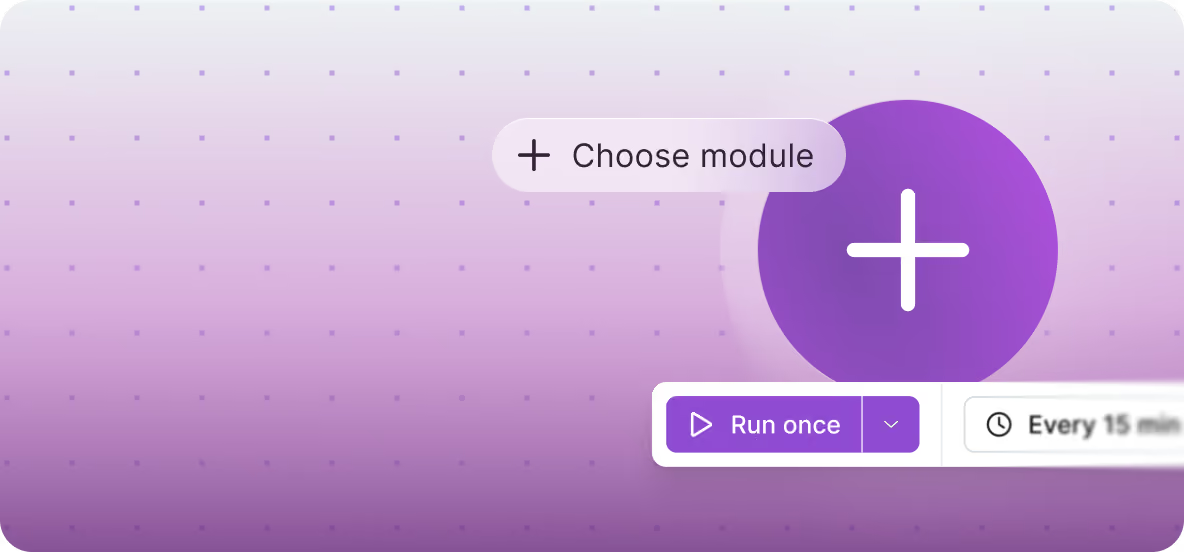
Make rewards patience. Once you understand the canvas, it’s faster to build complex workflows than Zapier. But getting there takes investment.
One more thing worth noting: Zapier’s interface has barely changed in years. That’s a feature, not a bug. You don’t have to relearn anything after an update. Make’s interface gets updated more frequently, which means new capabilities — but also occasional “wait, where did that go?” moments.
Verdict: Zapier if you want to be up and running today. Make if you don’t mind a learning curve and want more visual control.
App Integrations: Zapier Dominates
Zapier connects to over 9,000 apps. Make connects to about 3,500. That’s a massive gap.

In practice, both cover the major players: Slack, Gmail, HubSpot, Salesforce, Notion, Airtable, Shopify, and hundreds more. If you’re running common SaaS tools, you’ll likely find them on either platform.
E-commerce teams in particular use both platforms to automate payment events — syncing Stripe or PayPal transactions to a CRM, triggering fulfillment, or sending order confirmations. If you’re evaluating payment processors for your online business, our Stripe vs PayPal comparison covers fees, integrations, and which works better at different revenue levels.
Both platforms also connect natively with popular email marketing tools. If you’re deciding between Mailchimp vs Kit (ConvertKit) for your email stack, you’ll find strong native integrations for both on Zapier and Make.
If HubSpot is part of your marketing stack, our HubSpot vs Mailchimp comparison shows how each platform’s email automation integrates with Zapier and Make — useful if you’re deciding whether to consolidate email marketing inside HubSpot or keep a standalone tool.
Where Zapier’s bigger library matters is for niche or industry-specific tools. Trying to connect a legacy CRM, a specialized HR platform, or a newer indie SaaS? Zapier has a much better chance of already having it built.
Both platforms support webhooks and HTTP requests, so in theory you can connect anything — but that requires coding. For pure no-code coverage, Zapier is the clear winner.
If you’re also comparing CRMs to connect to your automation stack, our HubSpot vs Salesforce comparison covers which works better with both tools.
Verdict: Zapier, by a wide margin on sheer coverage. Make’s 3,500 apps are more than enough for most teams, but if you’re on niche platforms, check Make’s app list first.
Pricing: Make Wins — Especially at Scale
This is where Zapier starts to hurt. Here’s the full pricing breakdown (as of October 2026, billed annually):
| Plan | Zapier | Make |
|---|---|---|
| Free | 100 tasks/month | 1,000 ops/month, 2 active scenarios |
| Starter | $19.99/month | $9/month (Core) |
| Popular | $69/month (Team) | $16/month (Pro) |
| Team/Org | $99/month+ | $29/month (Teams) |
| Enterprise | Custom | Custom |
Make’s free plan includes 10x more operations than Zapier’s (1,000 vs 100). And Make’s paid plans start at $9/month versus Zapier’s $19.99/month.
Here’s the critical thing: they measure usage differently.
Zapier charges per “task” — which is each successfully completed action step. Filters, paths, and triggers are free. So a 3-step Zap that fires 100 times = 200 tasks (2 action steps × 100 runs).
Make charges per “operation” — each module execution. That includes triggers. So a 3-module scenario that fires 100 times = 300 operations.
At low volume, Make is dramatically cheaper. At high volume, Make’s advantage compounds because the per-operation cost is so much lower.
Before you get excited about Make’s free plan, understand it has limits: only 2 active scenarios. That’s fine for testing but tight for production. For a deeper look at how free plans work in practice, see our guide on free plans vs free trials.
Let me give you a concrete example. Say you run a content pipeline that processes 200 new leads per day across 5 steps. That’s 1,000 task executions per day on Zapier — around 30,000/month. At that volume you’re looking at $299+ on Zapier. With Make, those 200 leads × 5 modules = 1,000 operations/day = 30,000/month, but Make’s Pro plan ($16/month) may cover you if you buy additional operations at its lower per-op rate. The monthly difference can easily exceed $250 for the same workflow.
Verdict: Make, and it’s not close for anyone running meaningful automation volume. Zapier is more expensive at every tier.
Complex Workflows and AI Features
This is where Make genuinely shines.
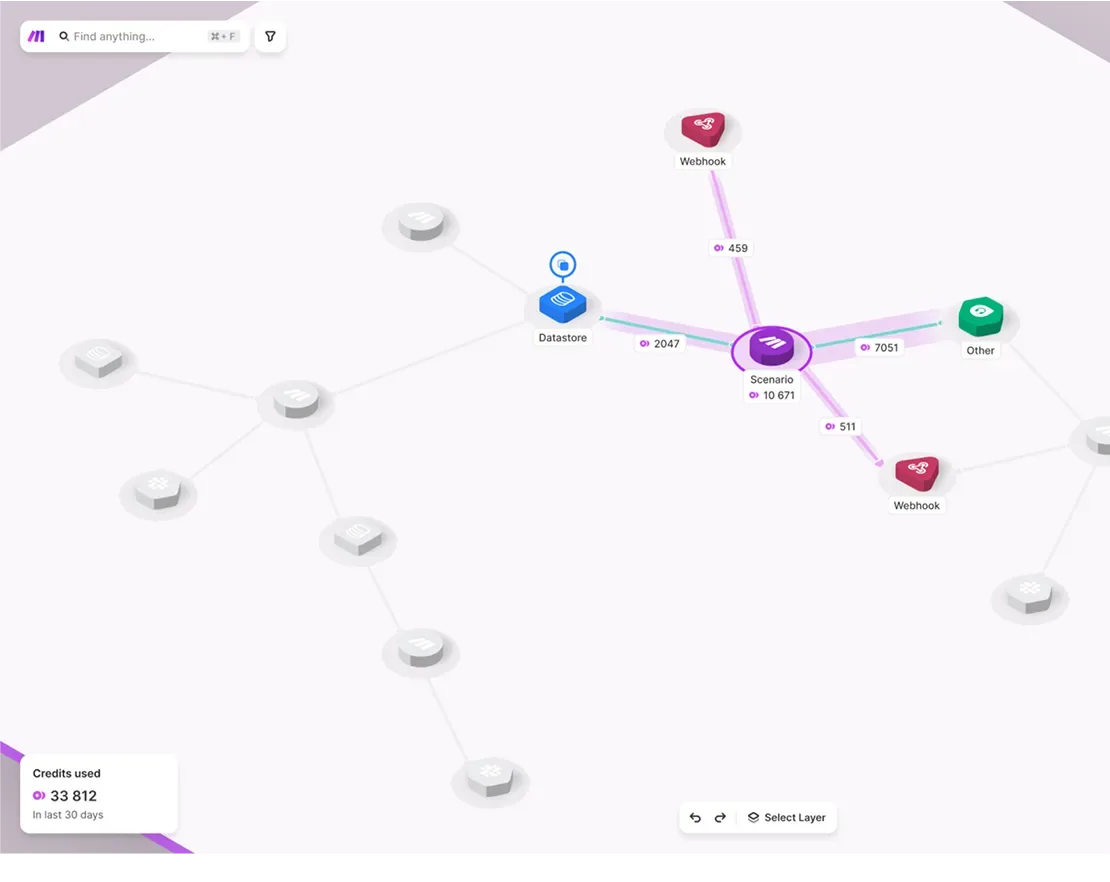
Zapier handles branching with “Paths” and offers filters and loops. It works well for most use cases. But Make goes deeper: routers, iterators, aggregators, custom functions, error handlers, and full scenario-level control. You can build workflows in Make that would be impossible (or absurdly expensive) in Zapier.
On AI features, both platforms have launched AI agents and natural language workflow builders in 2026. Zapier has Copilot (build Zaps by chatting with an AI). Make has Maia (same idea on their canvas). Both also support MCP servers, which means your AI tools can trigger and manage automations in real time.

The key difference: Zapier’s AI agents are cleaner to set up and more predictable. Make’s agents integrate more deeply with the visual canvas, giving you more control over exactly what the agent can and can’t do.
Here’s a detailed video review that compares both tools on AI, MCP, pricing, and workflow building:
Verdict: Make for complex workflows. Zapier for simpler, more predictable AI-assisted automation. It depends on how deep your use cases go.
Reliability and Monitoring
Zapier has been around since 2011. It has an extremely stable platform, 99.9%+ uptime SLA on paid plans, and a massive knowledge base. Customer support is solid, though response times vary by plan.
Make has also improved dramatically in reliability over the past few years. The activity feed gives you detailed logs of every scenario run, which makes debugging much easier than Zapier’s run history.

Zapier’s new Workflow Manager (part of Next Gen Zaps) now gives step-level observability too, with automatic error detection and self-healing capabilities. This is a significant upgrade for teams running mission-critical automations.

Verdict: Tie. Zapier edges ahead on overall platform maturity and support documentation. Make wins on scenario-level debugging visibility.
Who Should Use Zapier?
Choose Zapier if:
- You’re automating for the first time and want the fastest path to your first working Zap
- You need to connect to apps that Make doesn’t support (check their app list)
- You’re running simple, linear workflows: trigger → action → done
- Your team is non-technical and needs a tool anyone can use without training
- You need the AI Copilot to build workflows through chat

Zapier works especially well if you’re already running project management with tools like Trello or Asana — both have deep Zapier integrations.
Zapier is also a popular connector for social media scheduling tools. If you’re choosing between Buffer vs Hootsuite for your social workflow, Zapier makes it easy to trigger scheduled posts, sync analytics to a spreadsheet, or route social leads directly into your CRM.
Who Should Use Make?
Choose Make if:
- You’re running high-volume automations and Zapier’s task pricing is bleeding your budget
- You need conditional logic, loops, or data aggregation that goes beyond simple Paths
- You want the visual canvas to map out complex multi-step processes
- You’re building internal tools or automations that need custom error handling
- You need to transform and restructure data between apps

If you’re switching from Zapier to Make (or vice versa), our guide on how to switch software without losing your data covers the migration process.
Can You Use Both Zapier and Make Together?
Some teams do exactly this. They use Zapier for quick, simple automations where broad app coverage is needed — especially for niche tools that Make doesn’t support. Then they use Make for their high-volume, complex workflows where the cost savings are significant.
The downside: you’re paying for two platforms and maintaining two sets of scenarios. That creates overhead, especially when something breaks and you have to figure out which platform is causing the issue.
My recommendation: start with one. If you outgrow Zapier’s pricing, migrate your high-volume workflows to Make while keeping simple ones in Zapier. If you start with Make and hit app compatibility issues, use Zapier’s webhooks as a bridge.
The Verdict
Here’s the honest breakdown:
If you’re a small business owner, solopreneur, or someone who just needs automation to “work,” start with Zapier. The experience is better, the app library is bigger, and you’ll get automations running same day.
If you’re scaling, running dozens of automation scenarios, or have a technical team that can handle a steeper learning curve, Make will save you significant money and give you more power. The $9/month entry point and 1,000 free operations make it far more accessible than Zapier at scale.
The good news: both have free plans. Try both. See which one clicks for your brain and your budget.
Frequently Asked Questions
Is Zapier better than Make?
Zapier is easier to use and has more app integrations (9,000+ vs 3,500+). Make is more affordable and handles complex workflows better. “Better” depends entirely on your use case and budget.
Can I use Make for free?
Yes. Make’s free plan includes 1,000 operations per month and 2 active scenarios. That’s generous for testing but limited for production use. Paid plans start at $9/month.
Why is Zapier so expensive compared to Make?
Zapier’s pricing reflects its brand, ease of use, and larger app library. Make is priced more aggressively because it’s competing on value. At higher volumes, the price gap becomes very significant.
Does Make have as many integrations as Zapier?
No. Make has around 3,500 app integrations vs Zapier’s 9,000+. Both cover all the major SaaS tools, but Zapier has better coverage for niche and industry-specific apps.
Can I migrate from Zapier to Make?
Yes, but it’s a manual process — there’s no one-click migration tool. You’ll need to rebuild your workflows in Make’s scenario editor. See our guide on switching software for tips on doing this without losing data.
Which automation tool has better AI features in 2026?
Both platforms now offer AI agents and natural language workflow builders. Zapier’s Copilot is easier to use. Make’s Maia gives you more granular control. Both support MCP servers for deep integration with AI tools like Claude and ChatGPT.
Last updated: October 2026